About Interactive Kiosk
STANDARD features
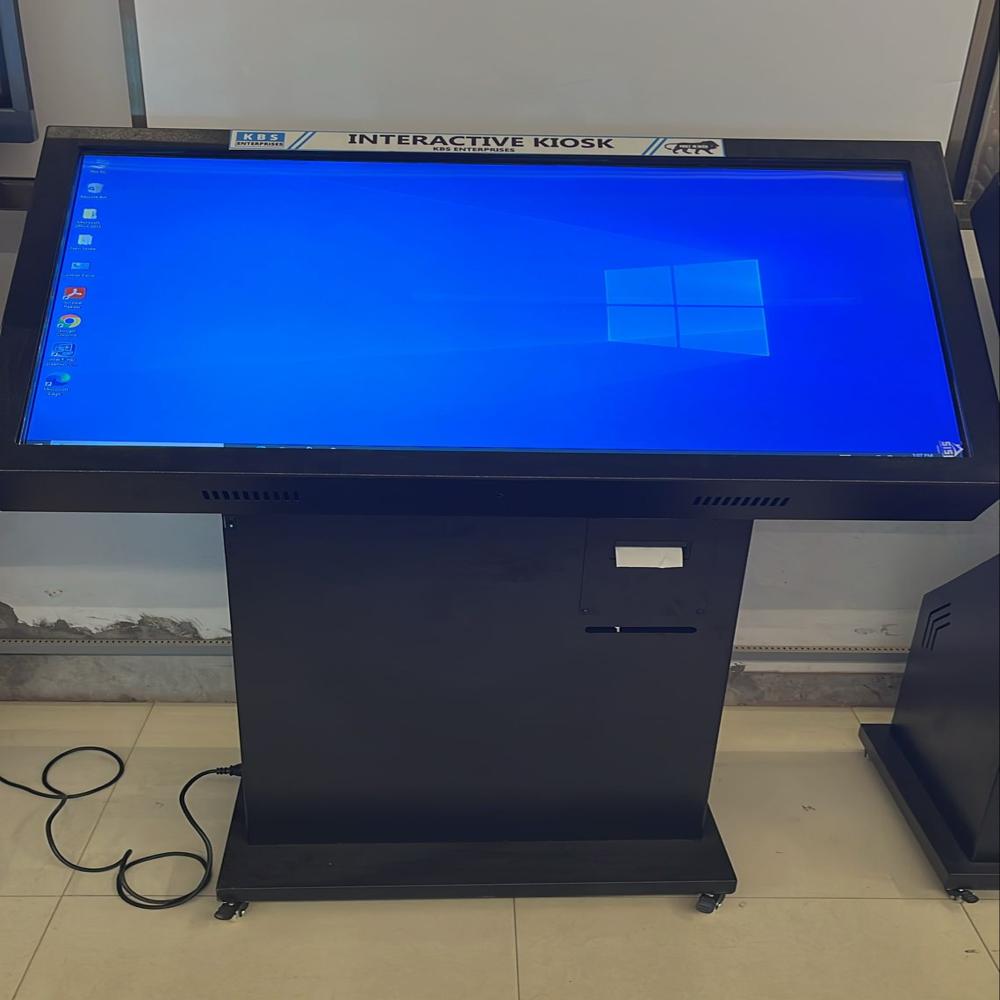
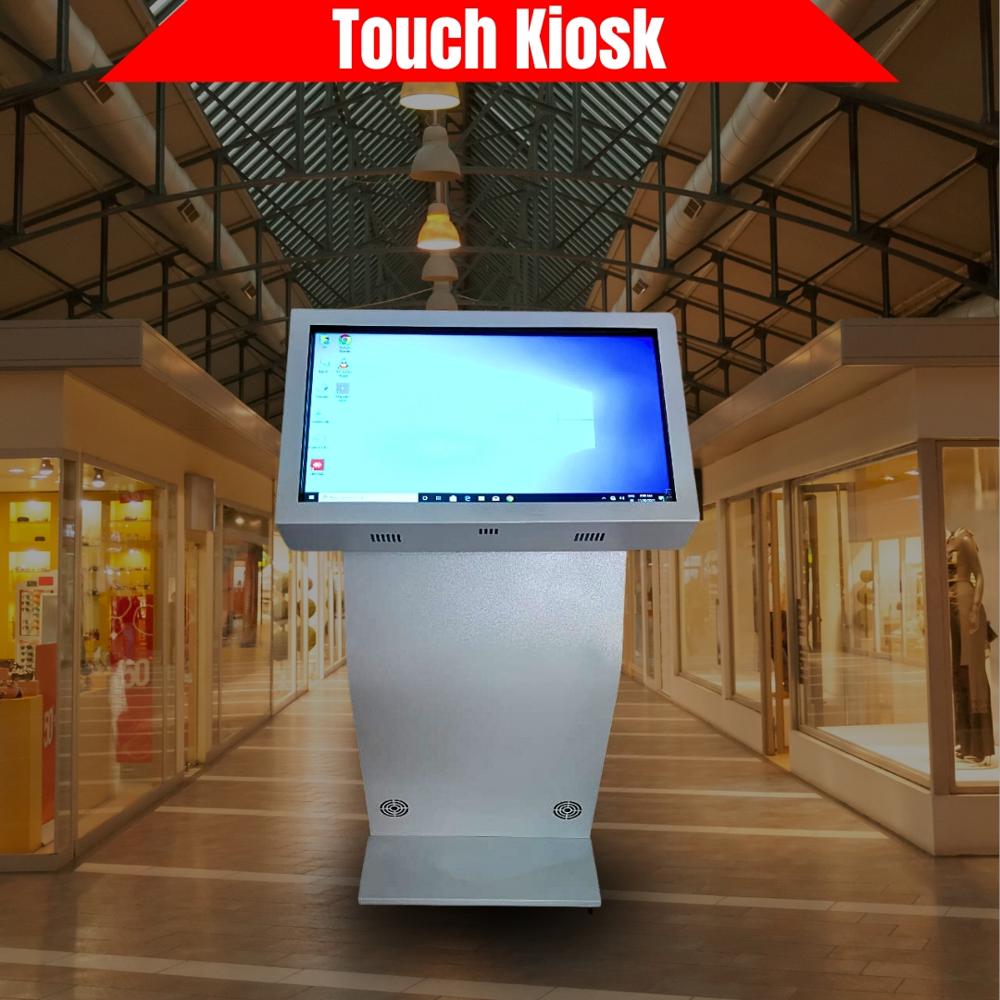
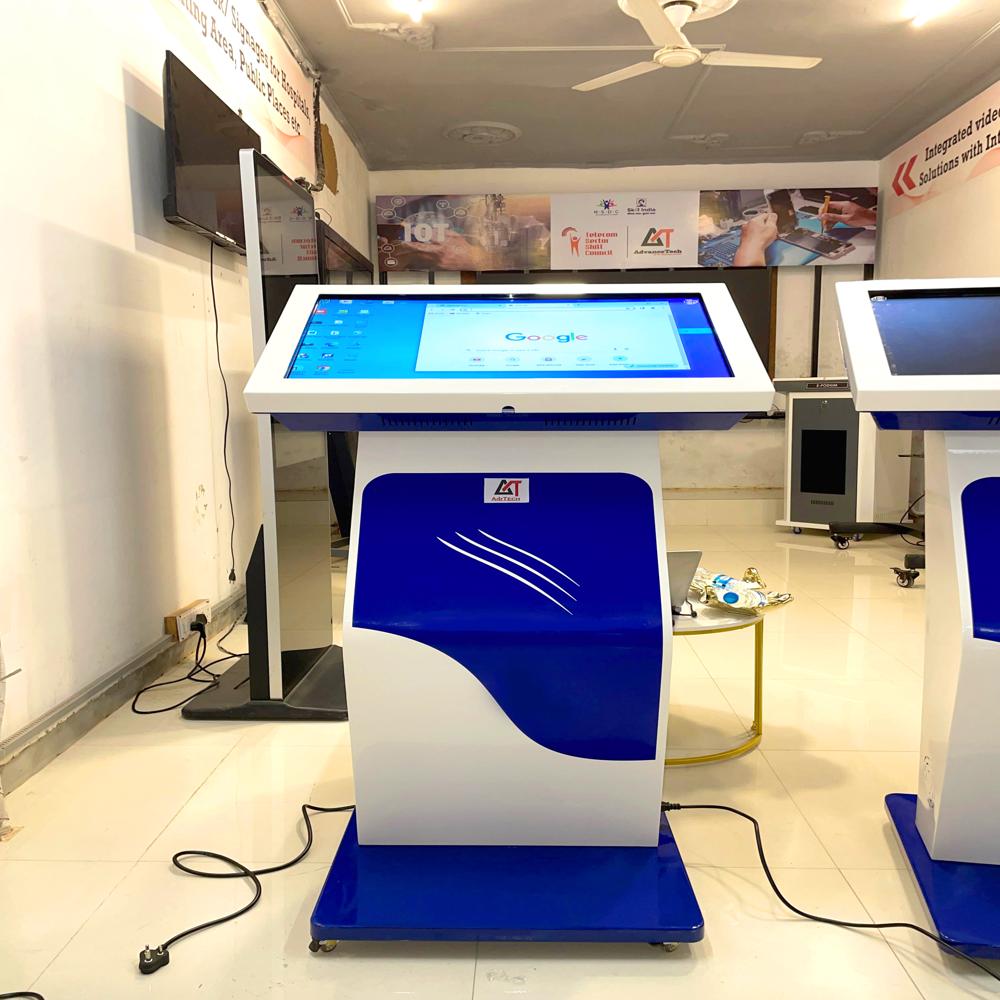
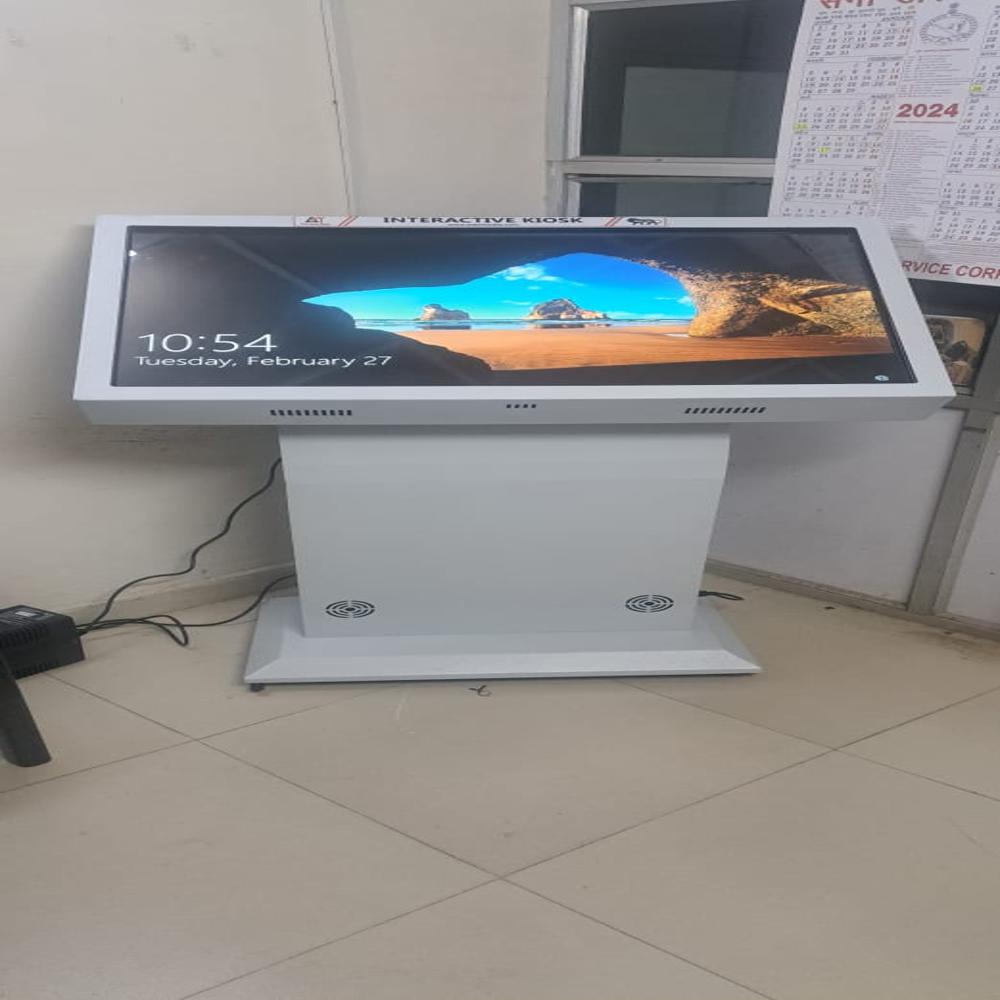
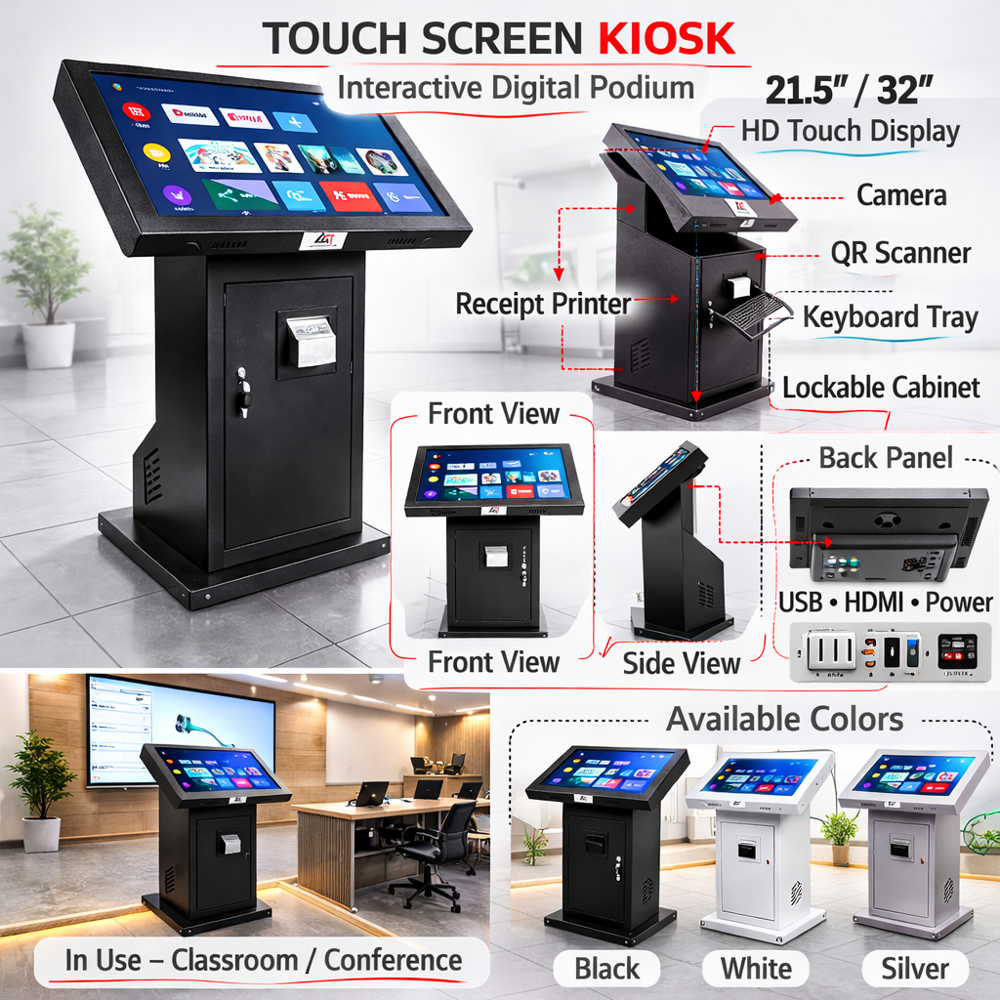
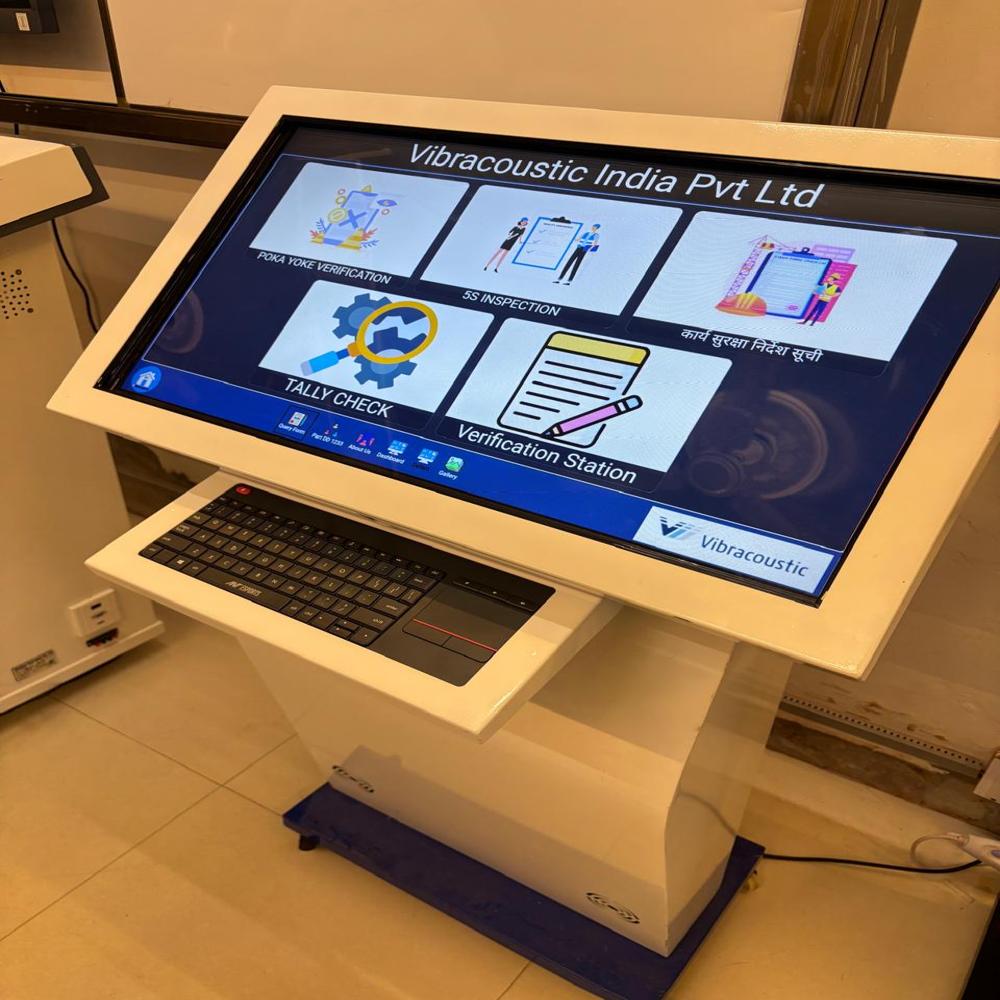
Elegant Kshaped Mild steelbased body with wheels for portability
Display sizes available 22 32 43 55 inch Diagonal size
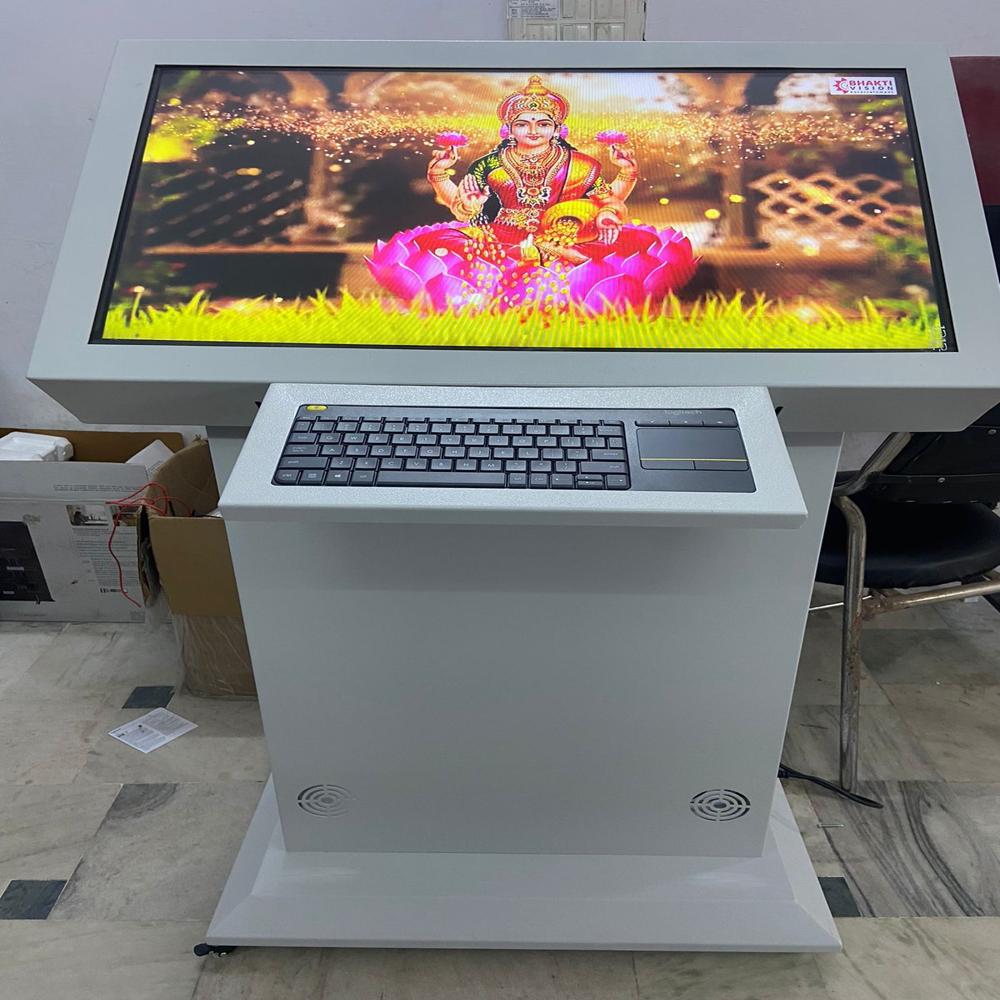
Highly supplied with touch interactive screen if non touch then keyboard mouse attached
Operating system Windows Android both available as per application and need
Connectivity ports LAN USB Power socket available
Optional additional accessories that can be provided
Printers for printing application Thermal small paper Laser printer A4 Size
QR Code Bar code reader sensor for any application can be provided
UPS for power backup in case of power failure
AdvancedBranded PC i5i7 configuration high 16gb ram high storage 1tb 2tb original windows required or not
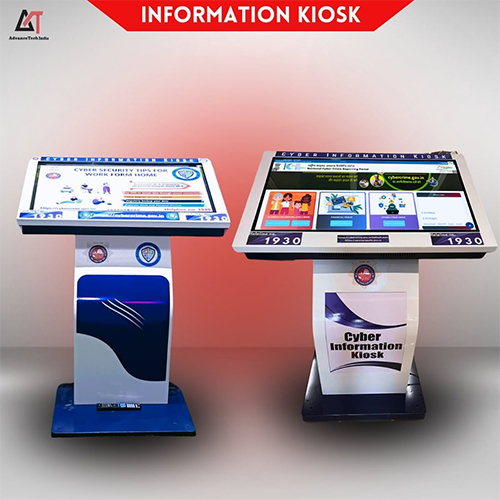
Additional software Way guiding Cloud software Cyber information software Feedback software Artificial Intelligence Chat GPT Software etc
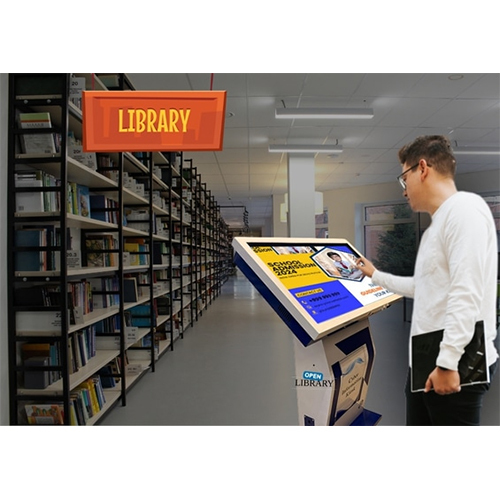
Main application areas Waiting halls Hospitals Universities Reception areas Public areas Museums Exhibition halls etc
Intuitive Touchscreen TechnologyEnjoy enhanced user engagement with a responsive capacitive touchscreen. The interface is engineered for precision and speed, delivering a smooth and interactive experience with each tap or swipe.
Versatile Design and Mounting OptionsOur floor-standing interactive kiosk, offered in multiple colors, complements diverse decor and spatial layouts. The robust design ensures stability and accessibility, making it ideal for high-traffic areas.
Unmatched Visual ClarityWith a high-resolution display, graphics and information appear vibrant and sharp. This feature enables users to access content, advertisements, or information easily, improving both accessibility and communication.
FAQs of Interactive Kiosk:
Q: How do I operate the interactive kiosk?
A: The kiosk is designed for ease of use with a capacitive touchscreen interface. Simply tap or swipe on the display to navigate menus, select options, or input data as required.
Q: What is the process for installing the floor-standing kiosk?
A: The kiosk can be installed by positioning it in a suitable location and connecting it to a power source. As a floor-standing unit, it requires minimal setup and can be relocated if necessary.
Q: When is the optimal time to use an interactive kiosk in a business setting?
A: Interactive kiosks are most effective during business hours, customer interactions, or events where automated information delivery or self-service is desired. They optimize customer engagement and streamline processes anytime usage is needed.
Q: Where can the interactive kiosk be placed for maximum impact?
A: Place the kiosk in high-visibility, easily accessible areas such as lobbies, entrances, shopping malls, or exhibition spaces to ensure it attracts and serves the maximum number of users.
Q: What are the main benefits of using a high-resolution touchscreen kiosk?
A: A high-resolution touchscreen kiosk enhances visual clarity, ensures smooth touch response, and elevates overall user experience. It enables quick access to information, reduces queue times, and modernizes service delivery.
Q: How does the capacitive touch technology improve user interaction?
A: Capacitive touch technology offers precise and swift responses to human touch, allowing multiple points of contact and intuitive operation, even for users unfamiliar with digital kiosks.
Q: Who provides manufacturing, supply, and service support for these kiosks in India?
A: We are a trusted manufacturer, supplier, and service provider of interactive kiosks in India, ensuring reliable product quality, local support, and prompt service for all customer requirements.






 Send Inquiry


 Send Inquiry