About Video Conferencing Camera
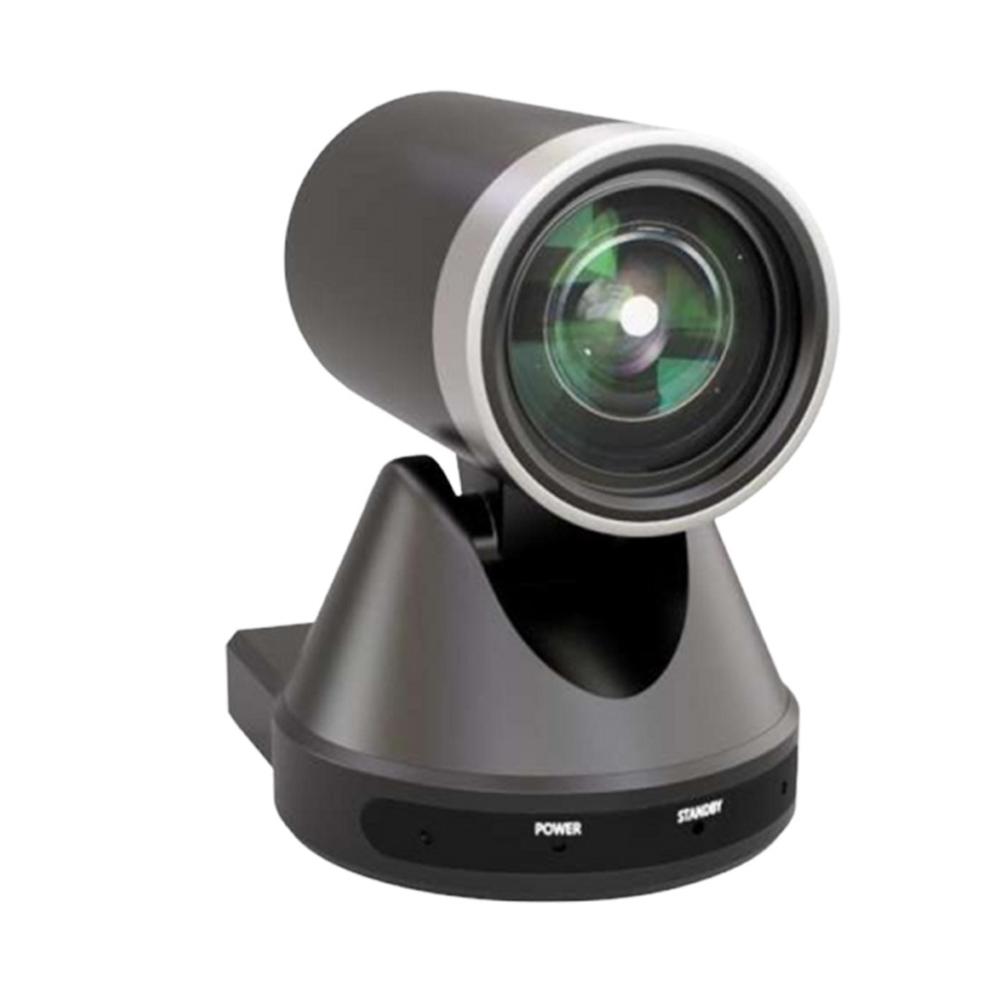
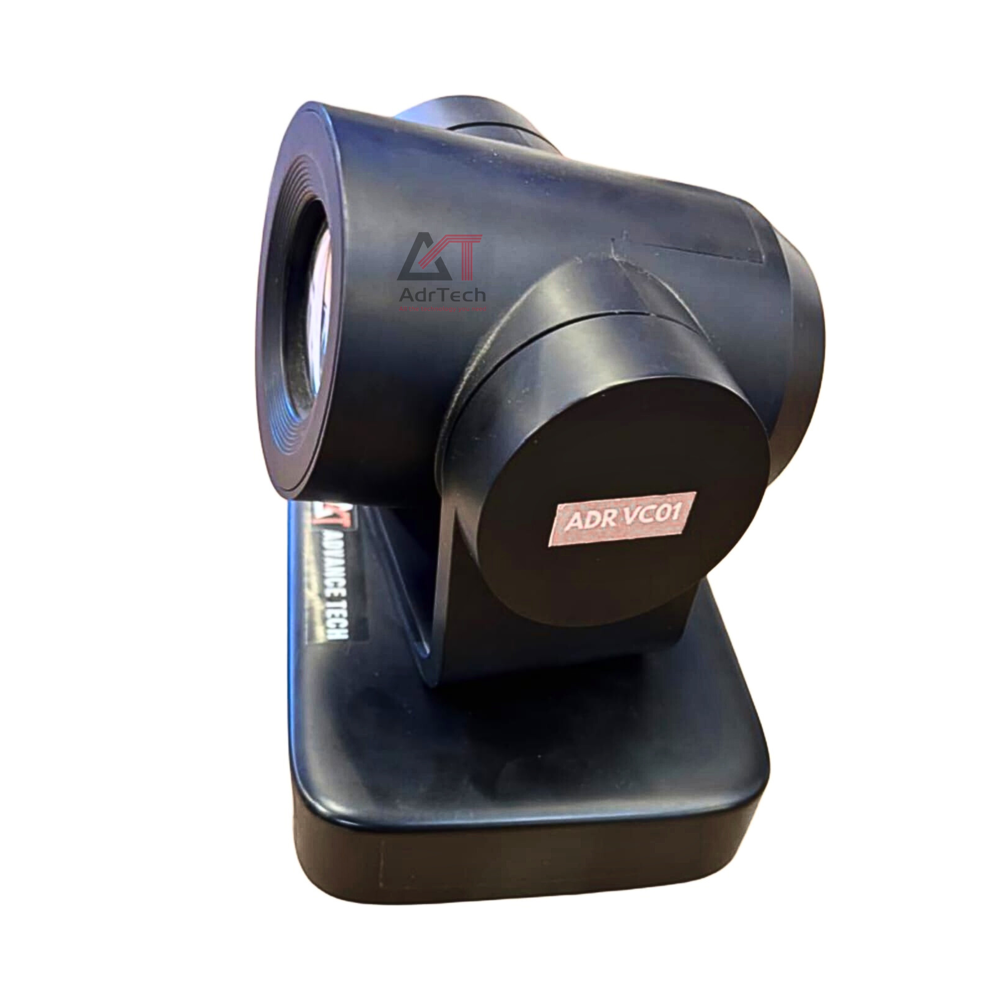
The Video Conferencing Camera is a high-performance solution designed to deliver crystal-clear video quality for virtual meetings, boardrooms, classrooms, and collaboration spaces. Built for modern communication needs, it ensures smooth, professional, and engaging video conferencing experiences.
Key Features
-
High-Definition / 4K Video Output for sharp and clear visuals
-
Wide-Angle Lens to cover entire meeting rooms
-
Auto Focus & Auto Framing for intelligent participant tracking
-
Low-Light Performance for clear video in all lighting conditions
-
Plug & Play USB Connectivity
-
Built-in Microphone Support (model dependent)
-
Pan-Tilt-Zoom (PTZ) control for flexible camera movement
Crystal-Clear Meetings Every Time Equipped with a 2-megapixel CMOS sensor and Full HD resolution, this camera captures sharp and vivid visuals. The wide 90 viewing angle covers spacious rooms, while the noise reduction microphone ensures that every participant's voice comes through clearly, making your meetings efficient and professional.
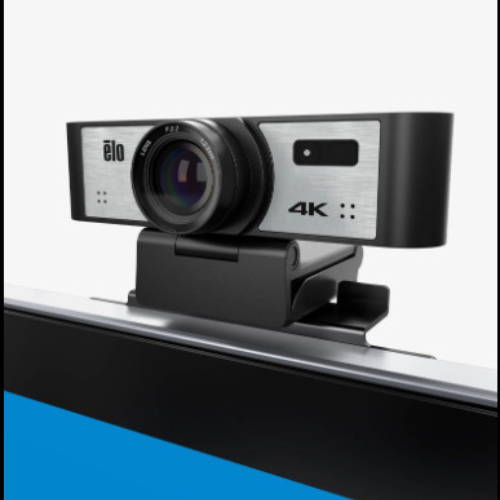
Simple Installation and Versatile Mounting The camera is designed for hassle-free setup with a plug-and-play USB interface. Easily mount it using the included monitor clip or a tripod for perfect positioning in any conference space. Automatic focus and manual pan/tilt ensure your meetings look great with minimal adjustment.
FAQ's of Video Conferencing Camera:
Q: How do I set up the video conferencing camera?
A: Simply connect the camera to your laptop, desktop, or conference system using the provided USB cable. Its plug-and-play design allows instant recognition on Windows, Mac OS, or Linux without additional drivers. Use the monitor clip or a tripod for mounting.
Q: What devices are compatible with this camera?
A: The camera is compatible with laptops, desktops, and most conference systems. It operates seamlessly with Windows, Mac OS, and Linux platforms, making it versatile for any office or meeting room setup.
Q: When should I use the manual pan, tilt, and zoom functions?
A: Manual pan, tilt, and zoom allow you to physically adjust the camera angle and position for optimal framing. Use these features during setup or when participants change seating arrangements to ensure everyone is within the 90 wide-angle field of view.
Q: Where can the camera be mounted?
A: You can mount the camera on a monitor using its built-in clip or place it on a tripod for more flexible positioning. This makes it suitable for both small huddles and larger conference rooms.
Q: What benefits does the noise reduction microphone provide?
A: The built-in noise reduction microphone significantly reduces background distractions, ensuring your speech is transmitted clearly. This makes for more productive and professional meetings, whether in a quiet office or a busy conference room.
Q: How does auto focus improve video conferencing?
A: Auto focus continuously adjusts the lens for sharp and clear images, even if you move during the meeting. This removes the need for manual refocusing and guarantees that you're always in crisp focus throughout your call.





 Send Inquiry


 Send Inquiry