Conference Room Camera About
Conference Room Camera 4K AI Video Conferencing Solution | Advance Tech
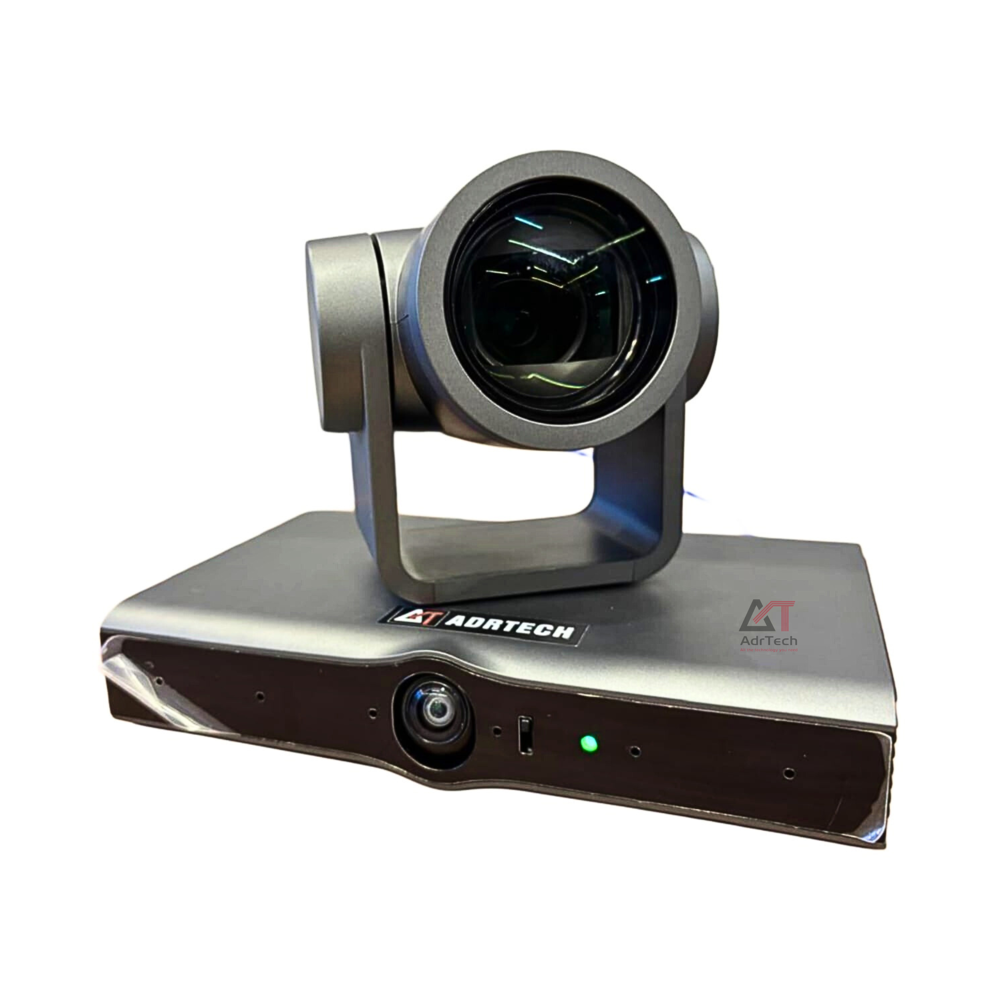
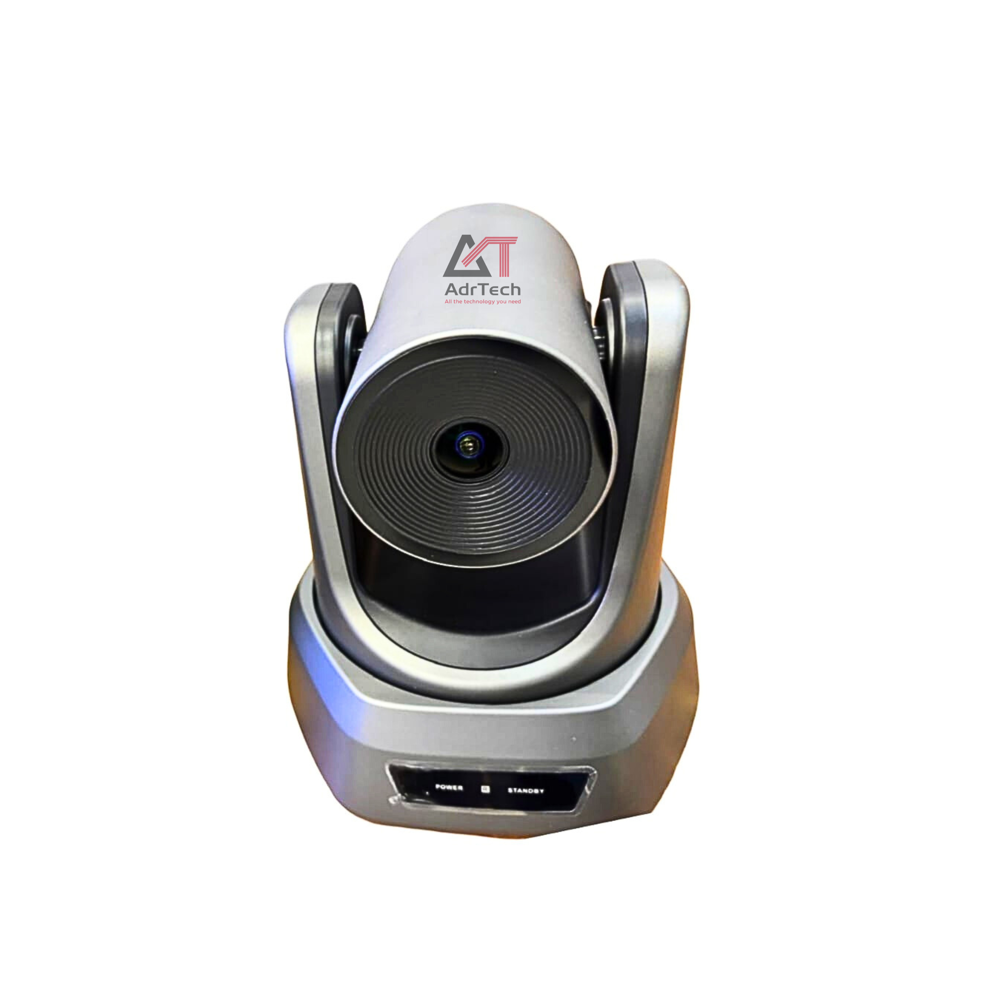
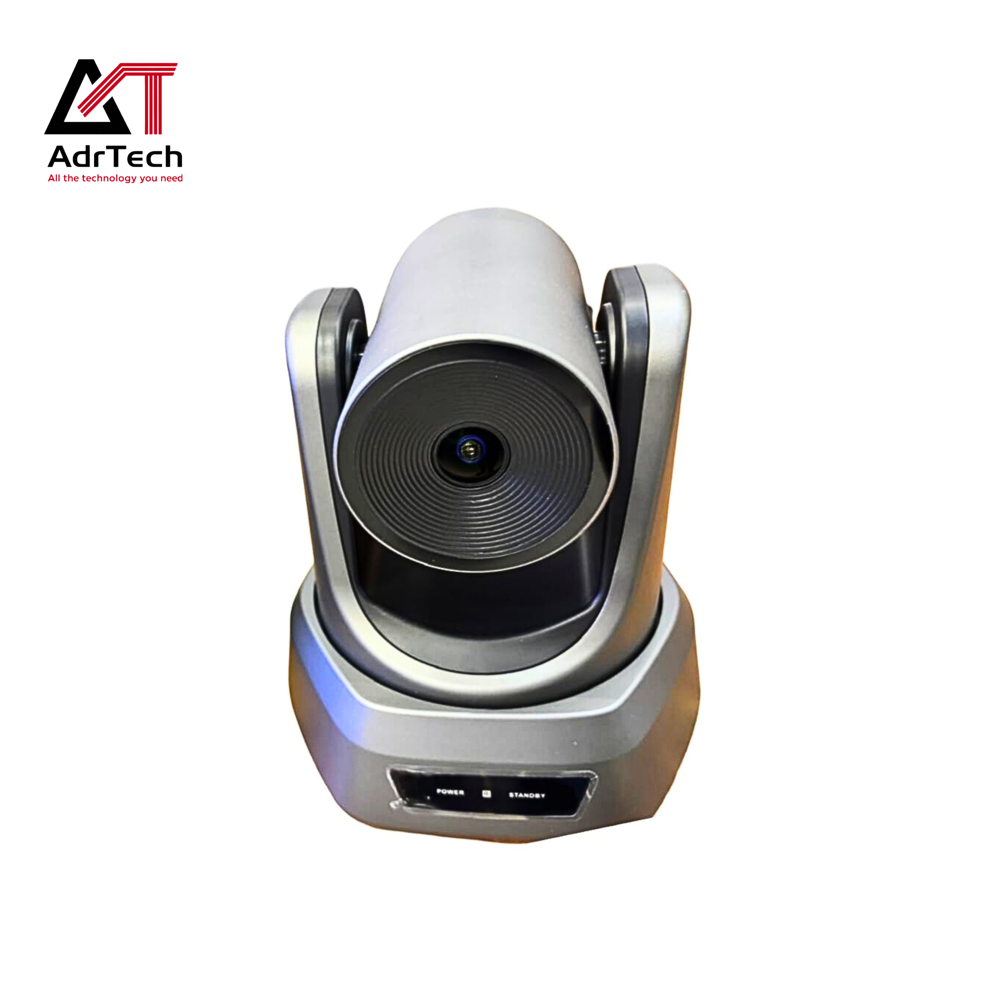
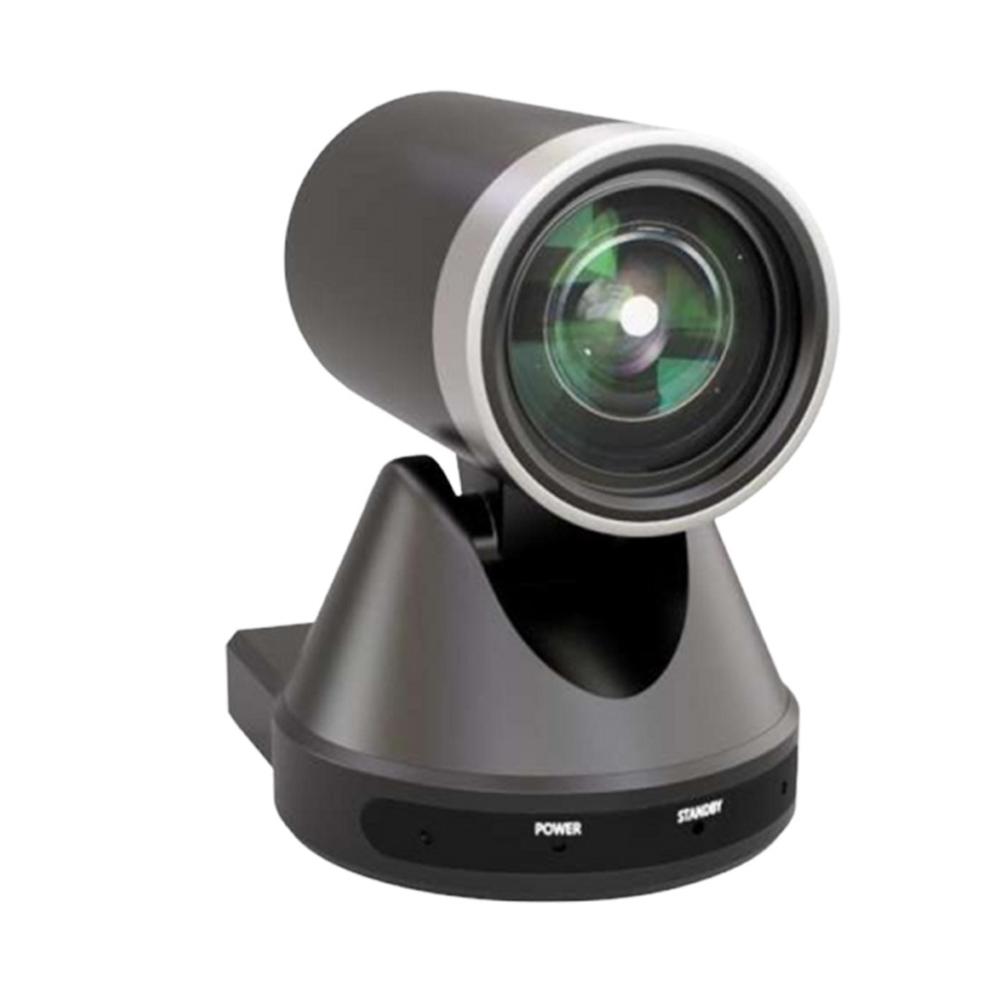
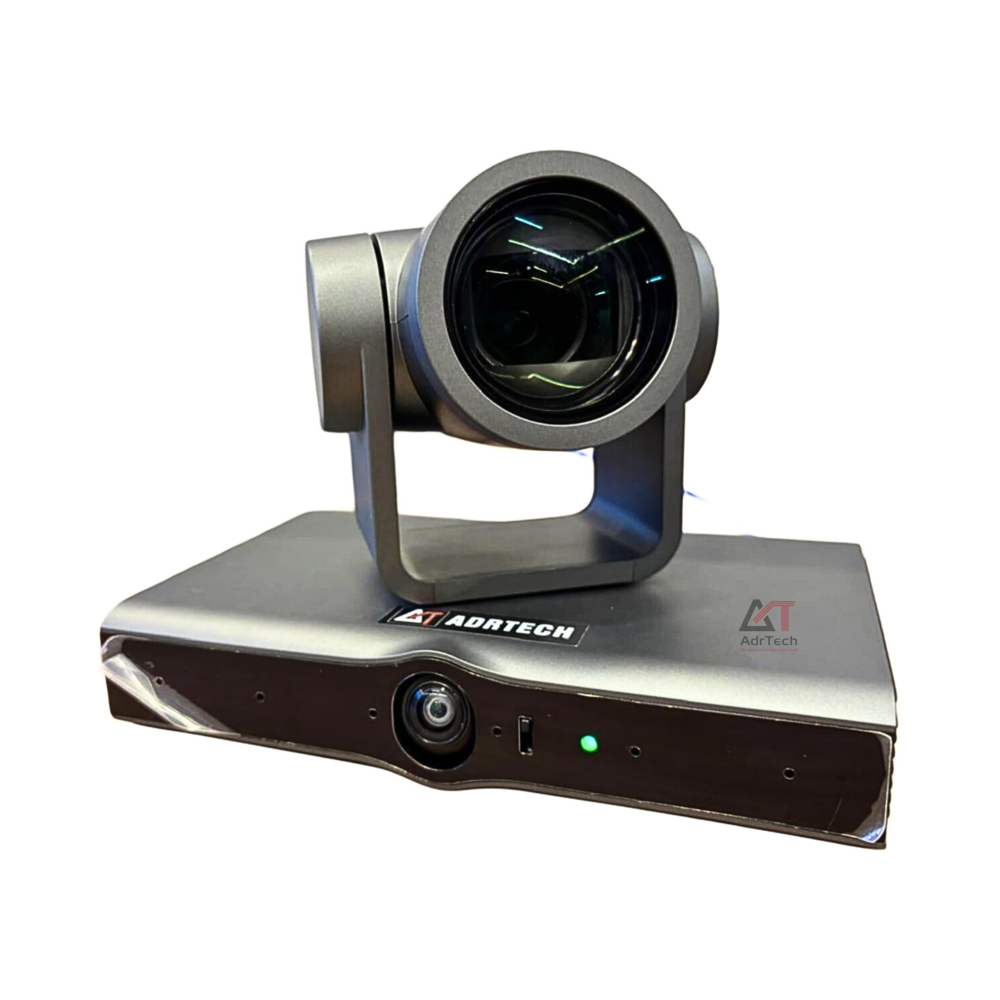
The Conference Room Camera is a professional 4K Video Conferencing Camera designed to deliver crystal-clear video quality for modern meeting rooms, boardrooms, conference halls, training centers, classrooms, and hybrid workspaces. Built with advanced imaging technology, this AI Conference Camera provides ultra-high-definition video, intelligent auto framing, speaker tracking, and a wide-angle field of view, ensuring every participant is captured clearly during virtual meetings.
Ideal for businesses of all sizes, this Video Conference Camera offers seamless compatibility with leading collaboration platforms including Zoom, Microsoft Teams, Google Meet, Cisco Webex, Skype, and other video conferencing software. Whether you're hosting client meetings, team collaborations, online training sessions, webinars, or executive board meetings, this Business Video Conferencing Camera delivers professional communication with exceptional image quality.
Featuring AI-powered auto tracking, the camera automatically adjusts its framing based on participant movement, making meetings more engaging without requiring manual camera control. The high-performance lens captures detailed images even in low-light environments, while advanced image processing ensures natural colors, sharp details, and smooth video performance.
The 4K Conference Camera supports USB Plug-and-Play connectivity, making installation quick and hassle-free without complicated setup. Available in USB Conference Camera and PTZ Conference Camera configurations, it is suitable for small meeting rooms, huddle rooms, medium conference rooms, large boardrooms, educational institutions, healthcare facilities, government organizations, and corporate offices.
Designed for hybrid work environments, this Meeting Room Camera improves remote collaboration by providing wide-angle coverage, AI auto framing, digital zoom, and high-definition video streaming. It helps organizations create a professional conferencing experience that enhances communication, productivity, and team collaboration.
Key Features
-
Ultra HD 4K Video Conference Camera
-
AI Auto Framing and Intelligent Speaker Tracking
-
Wide-Angle Lens for Complete Room Coverage
-
PTZ (Pan, Tilt & Zoom) Options Available
-
USB Plug-and-Play Connectivity
-
High-Quality Low-Light Performance
-
Smooth Full HD & 4K Video Output
-
Digital Zoom for Enhanced Visibility
-
Compatible with Zoom, Microsoft Teams, Google Meet, Cisco Webex & Skype
-
Easy Installation and Low Maintenance
-
Professional Design for Corporate Meeting Rooms
Applications
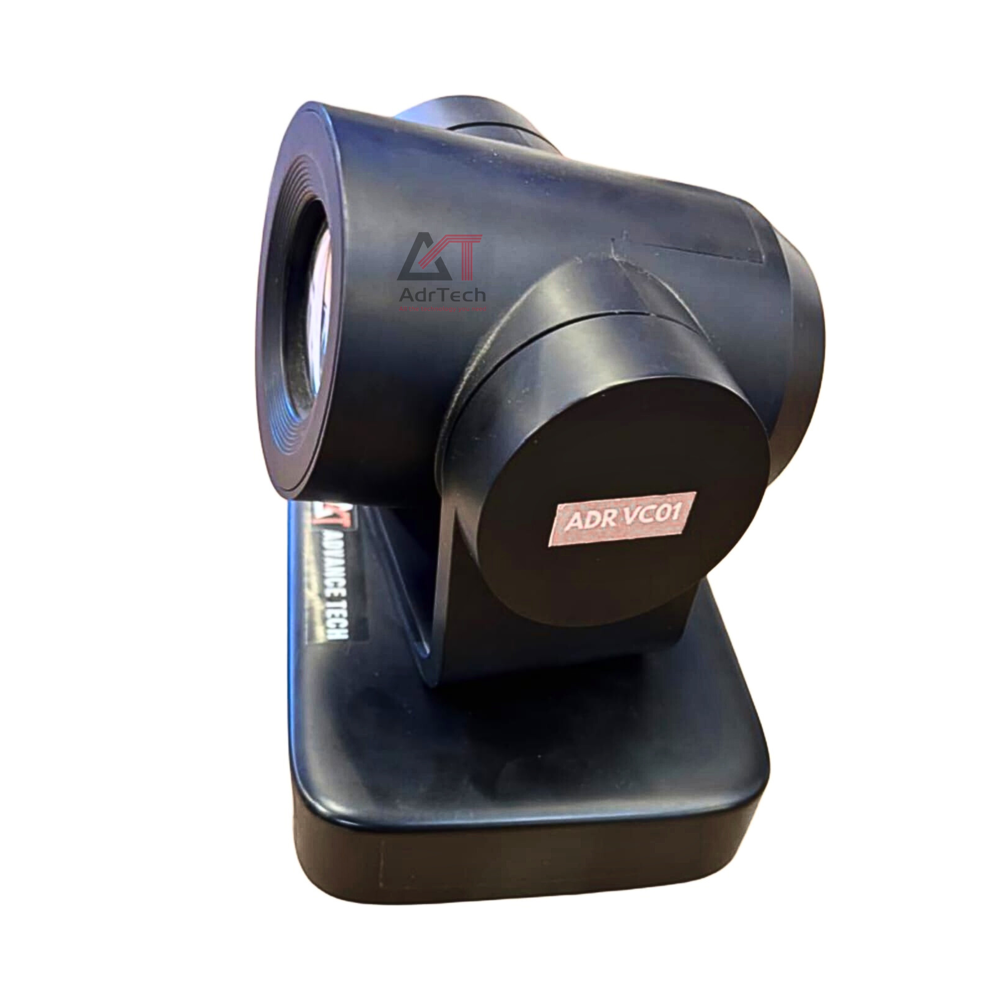
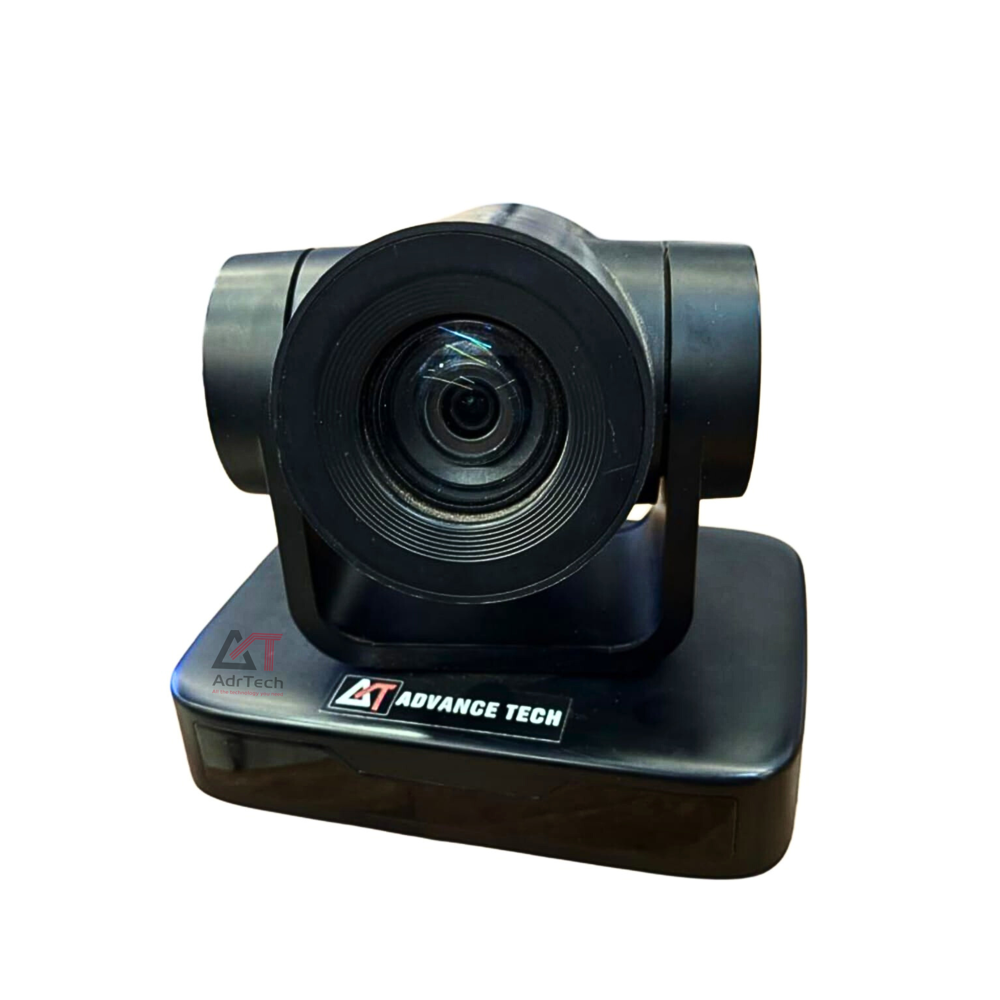
Superior Imaging for Professional MeetingsEquipped with Full HD 1080p resolution, the ADR VC01 delivers vibrant images and detailed video for all online meetings and collaborative sessions. The wide-angle lens, complemented by extensive pan and tilt ranges, ensures everyone in the room is clearly visible. Automatic low-light correction and digital noise reduction further enhance video clarity, making every interaction crisp and professional regardless of lighting conditions.
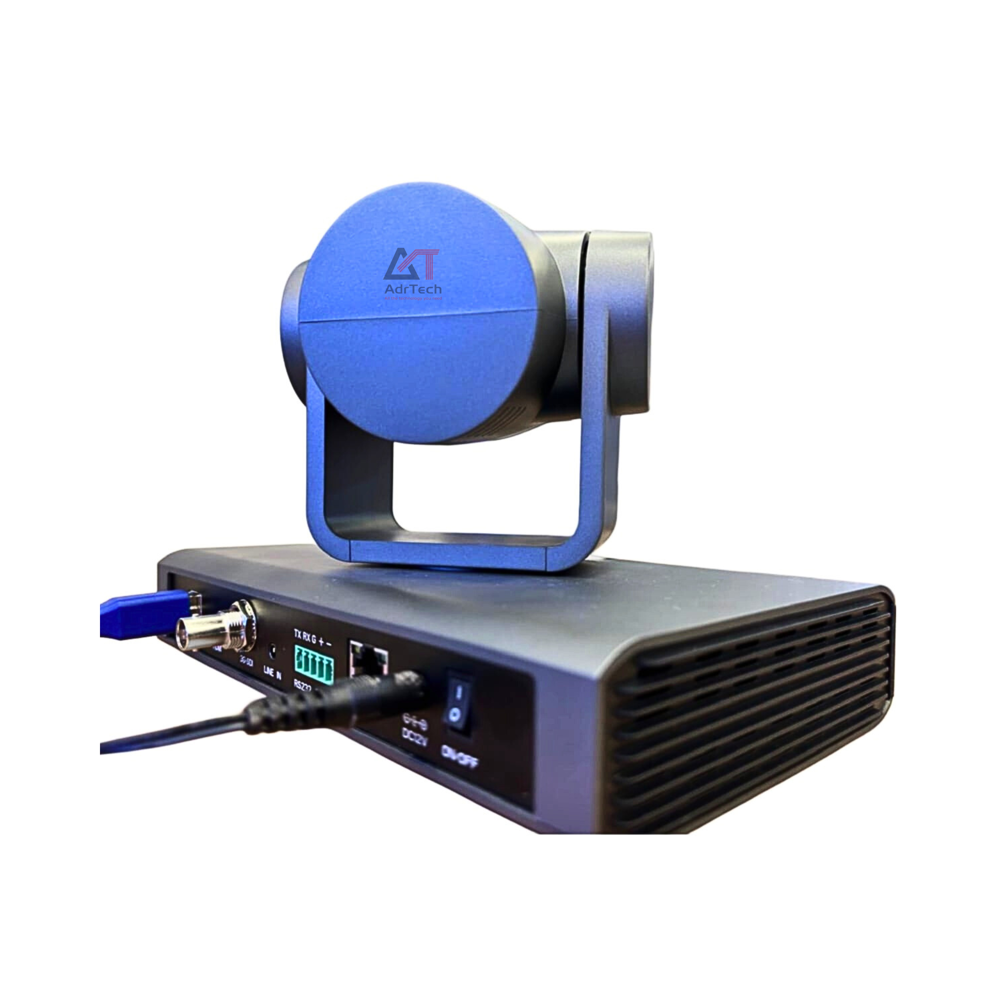
Versatile Connectivity and Easy IntegrationOffering both USB and HDMI connectivity, the ADR VC01 is designed for broad compatibility. It supports Windows, MacOS, and Linux systems, ensuring effortless integration into any existing conference setup. The camera works seamlessly with leading video conferencing software like Zoom, Microsoft Teams, Skype, and Google Meet, simplifying the setup process and streamlining communication.
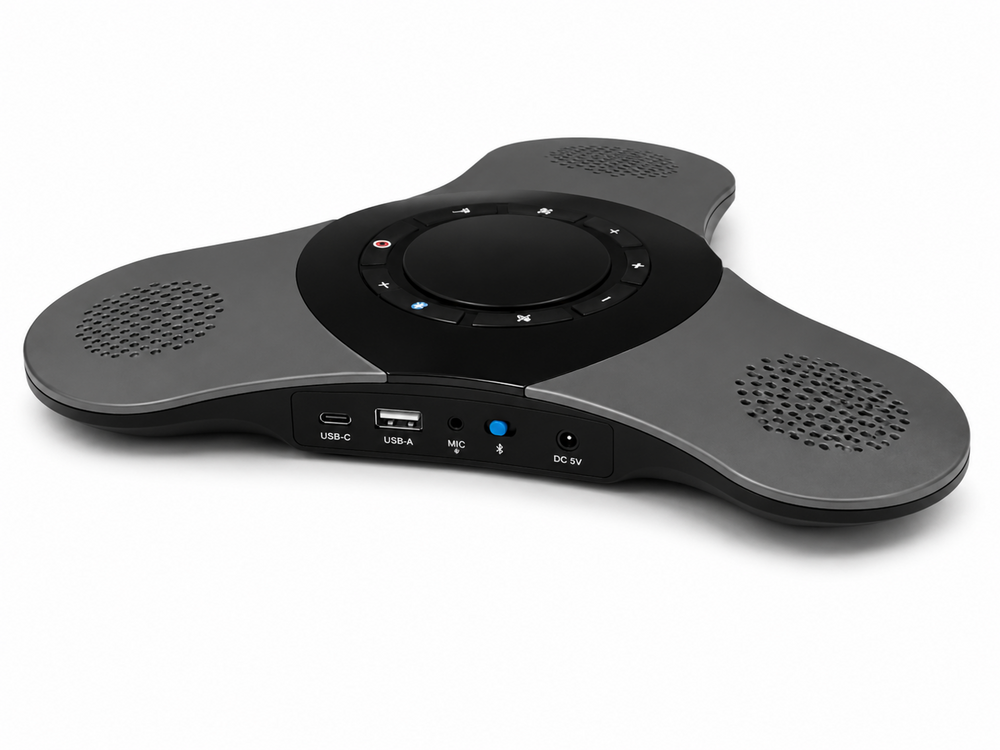
Optimized Audio ExperienceThe ADR VC01 gives users the choice between built-in or external omni-directional microphones, capturing clear, balanced audio from anywhere in the room. While it does not include a built-in speaker, pairing it with your preferred audio output device ensures optimal sound quality for all participants during conferences or online meetings.
FAQ's of Conference Room Camera:
Q: How do I set up the ADR VC01 conference room camera for my first meeting?
A: Begin by connecting the camera to your computer via USB or HDMI, depending on your setup. Use the mounting option that best fits your room-either a tripod or fixed mount. Install any necessary drivers if prompted, and select the ADR VC01 as the video input in your video conferencing software.
Q: What platforms and operating systems are supported by the ADR VC01 camera?
A: The ADR VC01 conference room camera is compatible with Windows, MacOS, and Linux operating systems. It works seamlessly with popular video conferencing applications such as Zoom, Microsoft Teams, Skype, and Google Meet.
Q: When is it beneficial to use the optical zoom feature in this camera?
A: Optical zoom is especially useful during large meetings or presentations, allowing you to focus closely on individual speakers or specific content without losing image quality, ensuring detailed, professional video output.
Q: Where should I place the ADR VC01 camera for optimal coverage in my conference room?
A: The camera should be mounted centrally with a clear view of the participants. Utilize the wide-angle lens, 340 pan, and 120 tilt features to ensure all attendees are visible, no matter the room layout.
Q: What process should I follow to connect an external microphone to the camera?
A: Simply plug your preferred external omni-directional microphone into the appropriate input on your conferencing system or device. The ADR VC01 is designed to work with both built-in and external microphones for enhanced audio quality.
Q: How does the ADR VC01 handle low light and noisy environments?
A: The camera features automatic low light adjustment and digital noise reduction, allowing it to deliver clear, vibrant images even in dim environments while minimizing visual and audio distractions.
Q: What are the key benefits of using the ADR VC01 for video conferencing?
A: Key benefits include high-definition video with optical zoom, wide coverage with pan and tilt, seamless software compatibility, reliable audio options, and consistent performance across multiple operating systems, resulting in productive and professional remote meetings.




 Send Inquiry


 Send Inquiry