About Visitor Check-In Kiosk
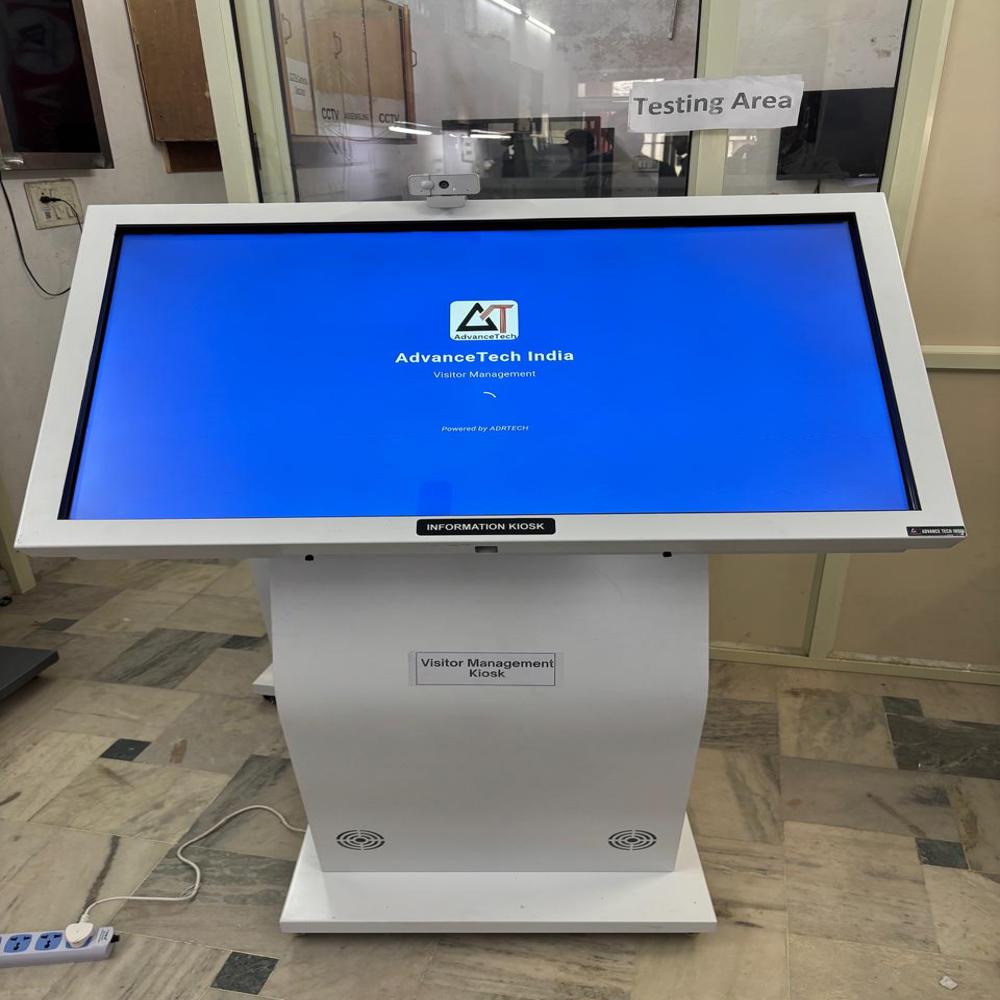
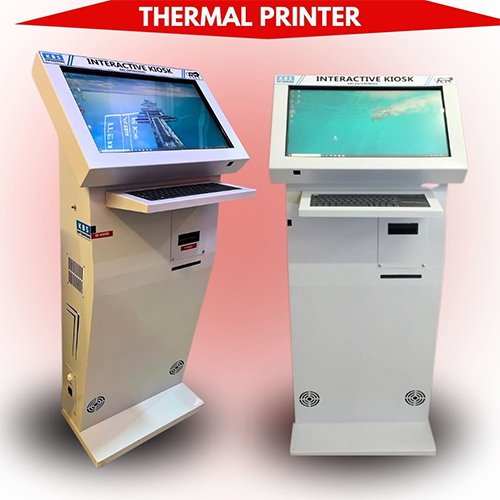
The Visitor Check-In Kiosk is a smart, self-service solution designed to automate visitor registration, improve security, and enhance front-desk efficiency. It replaces manual entry registers with a fast, paperless digital check-in process, creating a professional and organized visitor experience.
Key Features
-
Self-Service Visitor Check-In & Check-Out
-
Touch Screen Interface for easy operation
-
Digital Visitor Registration with photo and ID details
-
Instant Host Notification via SMS or email
-
Visitor Badge / Pass Printing (optional)
-
Real-Time Visitor Monitoring & Reports
-
Secure Data Storage & Access Control
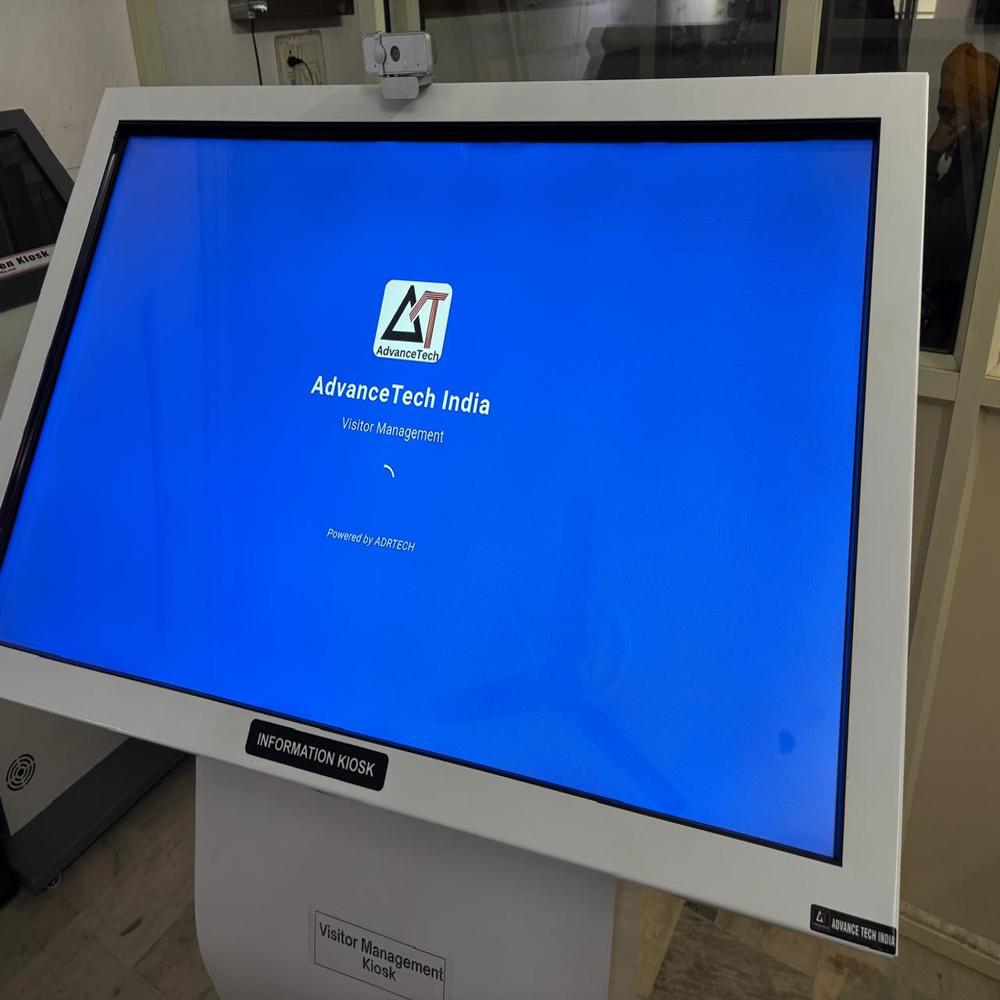
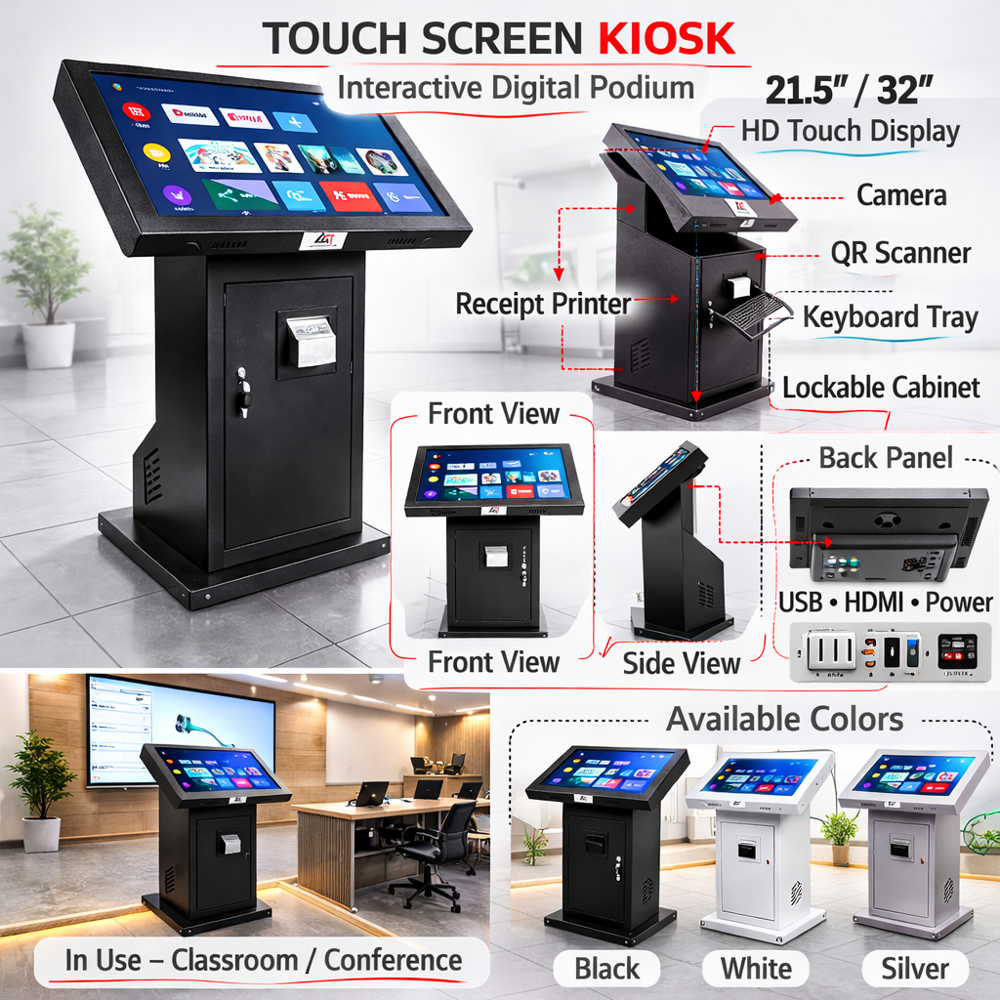
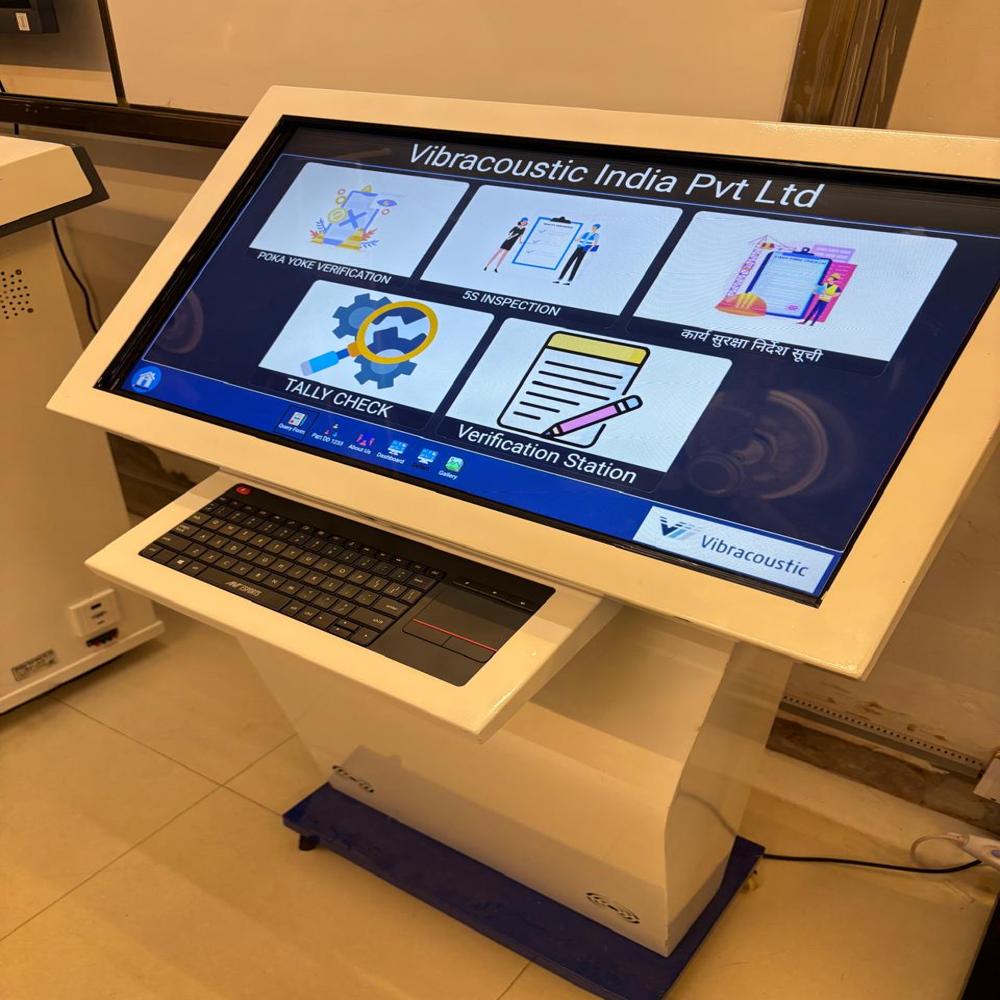
Effortless Visitor ManagementAutomate your visitor reception and check-in process with a user-friendly touchscreen kiosk that allows guest photo capture via a 5MP camera and instant badge printing. Designed for high-traffic corporate environments, it offers real-time data synchronization, robust security features, and multi-user support, ensuring smooth, fast, and secure visitor experiences every day.
Enhanced Security and PrivacyKeep your visitor data safe with advanced password protection and data encryption. Lockable service doors prevent unauthorized access, while visitor photos and real-time data updates strengthen identification and compliance. The kiosk's sturdy, IP54-rated steel and glass exterior guarantees reliable security and durability in any office or corporate setting.
FAQ's of Visitor Check-In Kiosk:
Q: How does the photo capture and badge printing process work for visitors?
A: Upon arrival, visitors use the kiosk's 10-point touchscreen to begin check-in. The 5MP front-facing camera captures their photo for identification, followed by automatic badge printing using the integrated thermal printer, ensuring a seamless and efficient process.
Q: What security measures are implemented to protect visitor information?
A: The kiosk employs password protection and data encryption to safeguard visitor data. Additionally, physical security is reinforced with lockable service doors, and the system's compliance features enhance privacy and access control.
Q: When is it recommended to use the optional UPS backup power?
A: The optional UPS backup power is advisable in environments prone to power interruptions, such as offices with unreliable grid supply. It ensures continuous operation and prevents data loss or visitor process disruptions during outages.
Q: Where can this kiosk be installed and used effectively?
A: It's perfect for reception areas, corporate offices, and any venue requiring efficient visitor management. Its robust construction, floor-mount design, and IP54 rating make it suitable for high-traffic indoor environments.
Q: What languages does the kiosk interface support?
A: The Visitor Check-In Kiosk offers a multilingual interface, making it accessible and convenient for guests and staff who speak different languages, enhancing user experience in diverse workplaces.
Q: How does real-time data synchronization benefit visitor management?
A: Real-time data synchronization ensures that all visitor records and check-in activity are promptly updated and accessible by authorized personnel, facilitating compliance, accurate record-keeping, and streamlined visitor onboarding.





 Send Inquiry


 Send Inquiry