About Printing Based Kiosk
Information Kiosk Specifications
Display
Processing Unit
Connectivity & Ports
Accessories
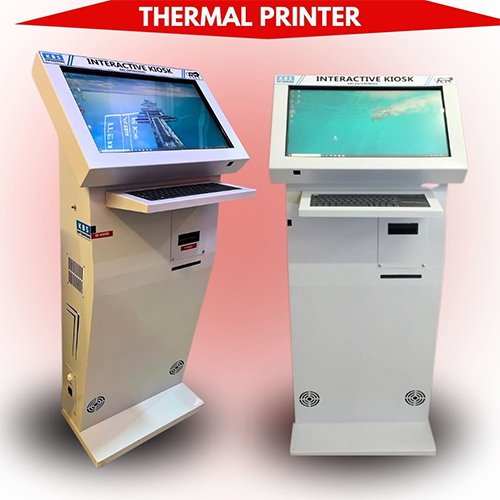
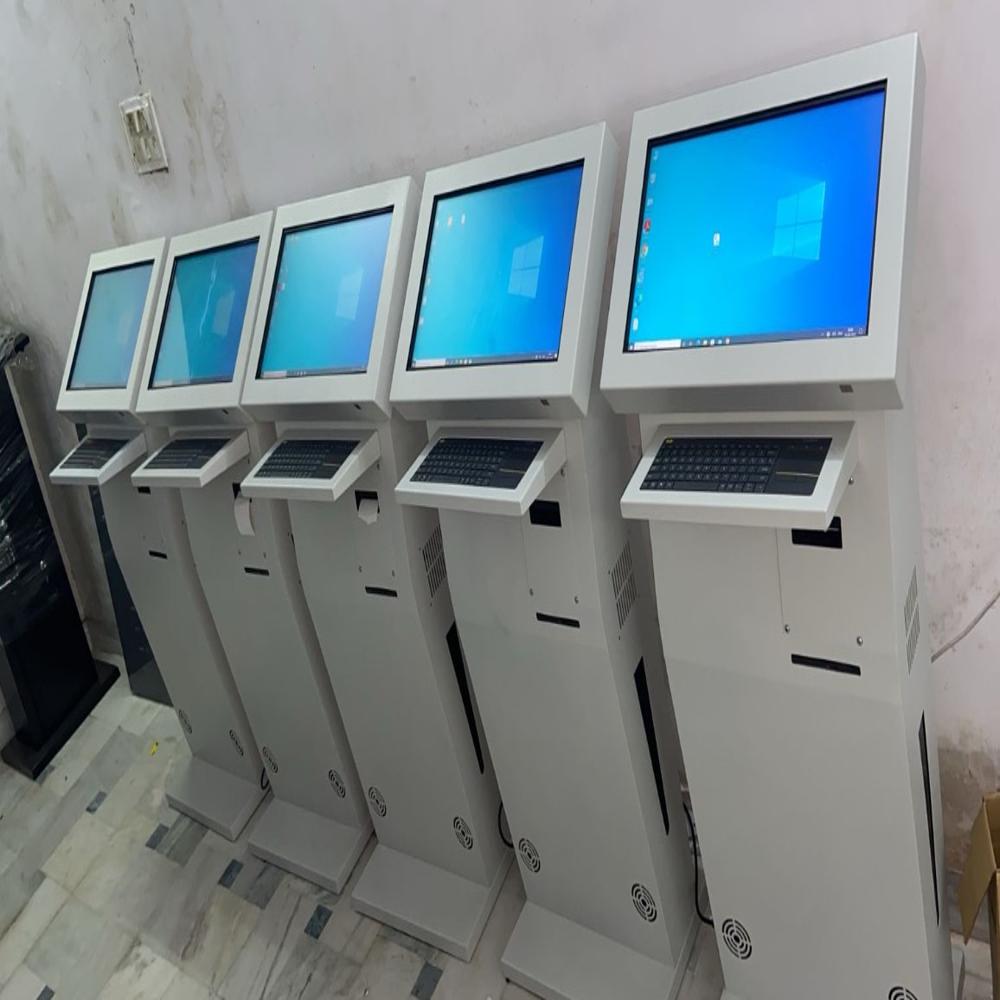
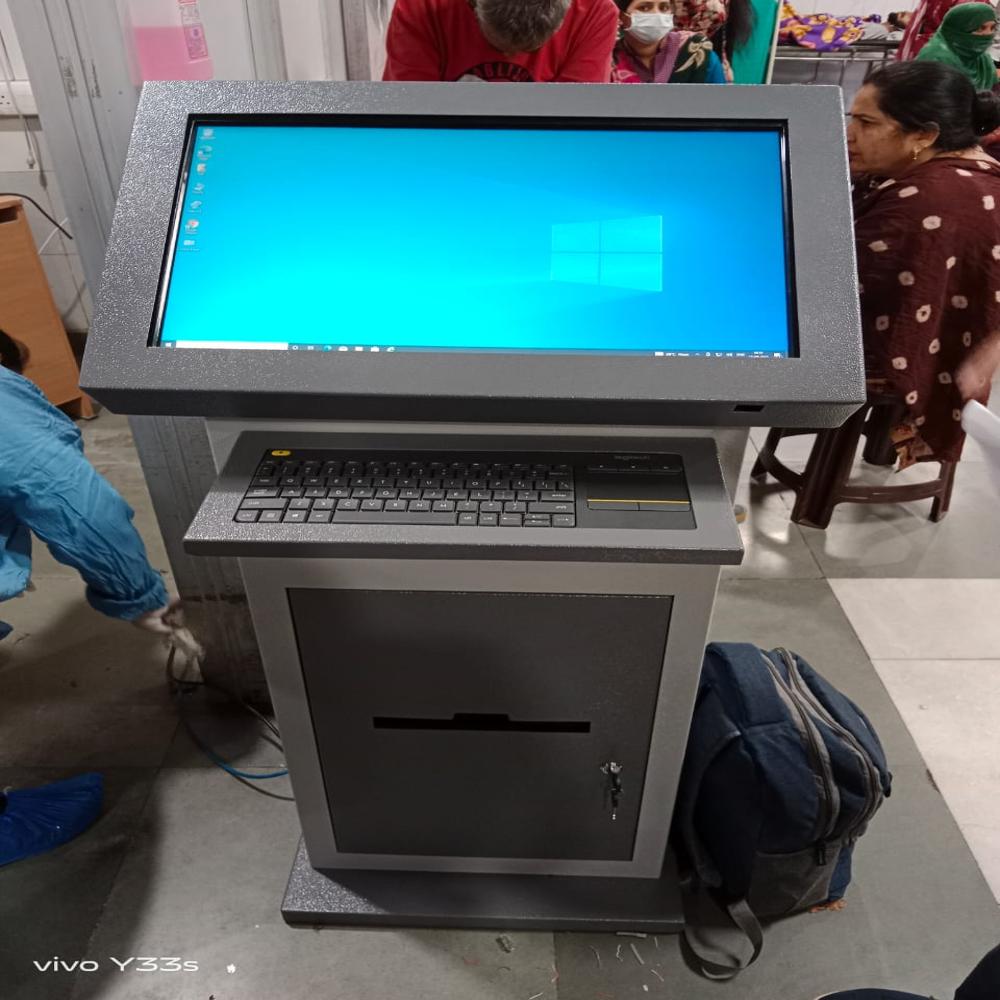
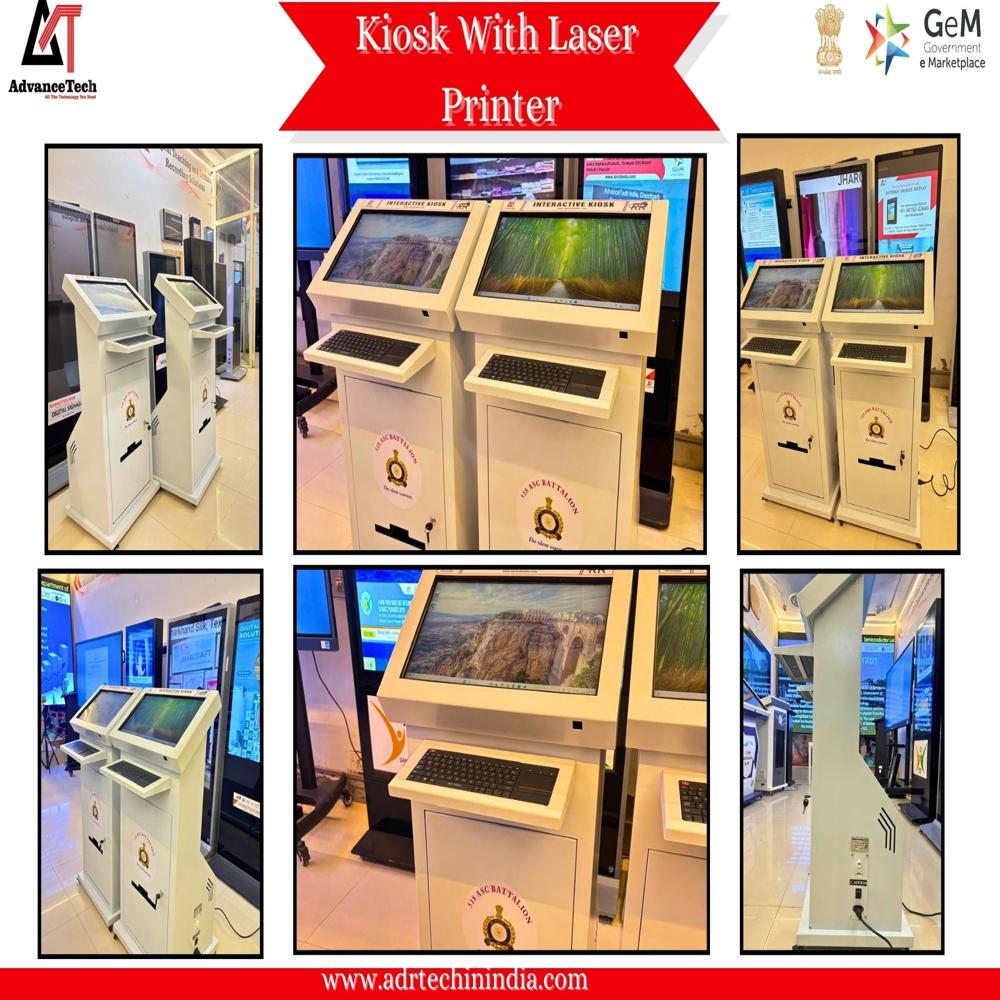
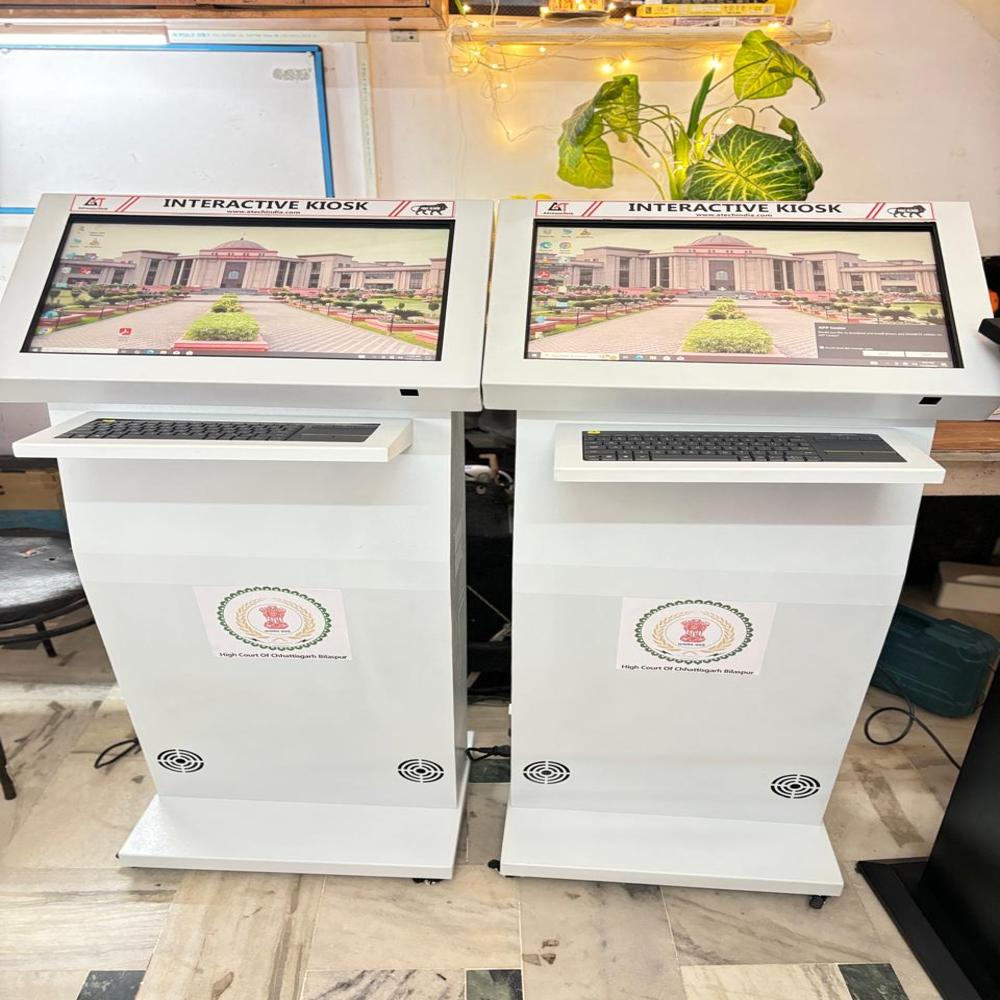
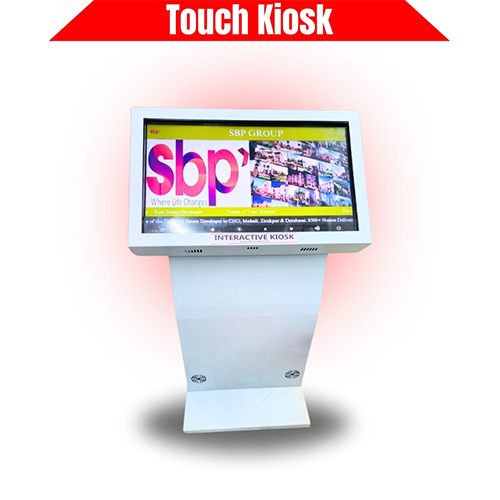
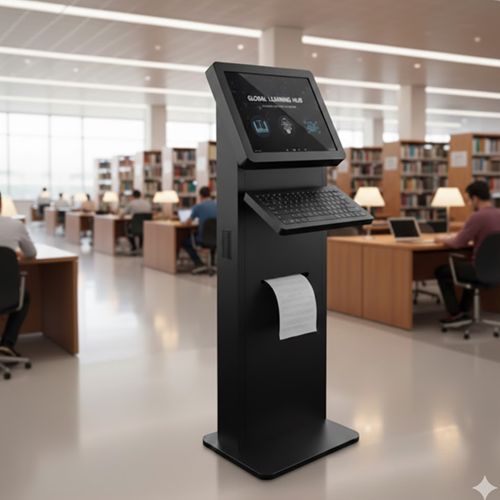
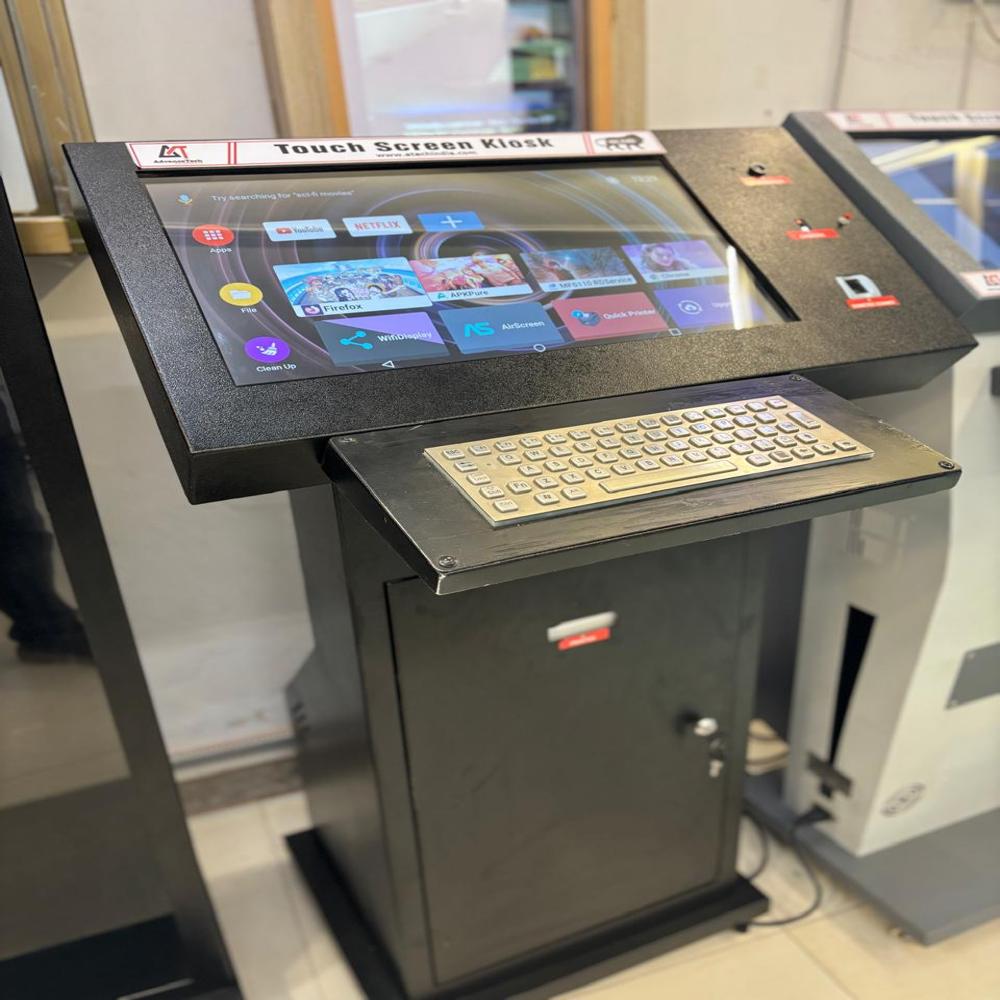
Highly Adaptable Presentation KiosksOur kiosks effortlessly blend into any environment thanks to a fully customizable design, including multiple color options and adjustable sizing. This ensures a perfect fit for corporate offices, exhibition halls, or educational institutions. The floor-standing form factor maximizes visibility while minimizing space usage, optimizing both aesthetics and practicality.
User-Centric, Touchscreen OperationThe state-of-the-art capacitive touchscreen guarantees seamless user experiences. Designed for simplicity, the kiosks require minimal training and are suitable for users of all backgrounds. With a focus on reliable performance and easy operation, these kiosks are ideal for quick deployment across various industries with presentation needs.
FAQs of Printing Based Kiosk:
Q: How does the touchscreen kiosk enhance presentations?
A: The kiosks capacitive touchscreen interface facilitates interactive presentations, allowing users to navigate content swiftly and intuitively. This engagement boosts audience participation and creates a dynamic presentation environment.
Q: What is the process to customize the size and color of the kiosk for my application?
A: Upon inquiry, our team collaborates with you to determine the specific dimensions and color scheme required. We then manufacture the kiosk according to your preferences, ensuring it aligns perfectly with your branding and operational needs.
Q: When can I expect installation after placing an order for a customized kiosk?
A: Lead times vary based on customization and current production schedules. Typically, manufacturing and installation are completed within a mutually agreed timeframe after the design specifications are confirmed.
Q: Where can these floor-standing kiosks be installed effectively?
A: The kiosks are suitable for a variety of venues, including corporate lobbies, conference centers, educational campuses, trade fairs, and retail environments. Their floor-standing design offers stable and accessible interaction points in high-traffic areas.
Q: What steps are involved in setting up and using the touchscreen kiosk?
A: Setup involves positioning the unit, connecting to the 220 Volt power supply, and integrating your presentation content. The kiosks easy-to-operate interface ensures users can immediately interact with the system without extensive training.
Q: How do I benefit from using a printing-based, touchscreen kiosk for presentations?
A: Utilizing our kiosks streamlines information delivery, encourages user interaction, and enhances the overall professionalism of your presentations. The customizable features ensure the unit reflects your brand and adapts to varied event requirements.






 Send Inquiry


 Send Inquiry