USB Conference Camera About
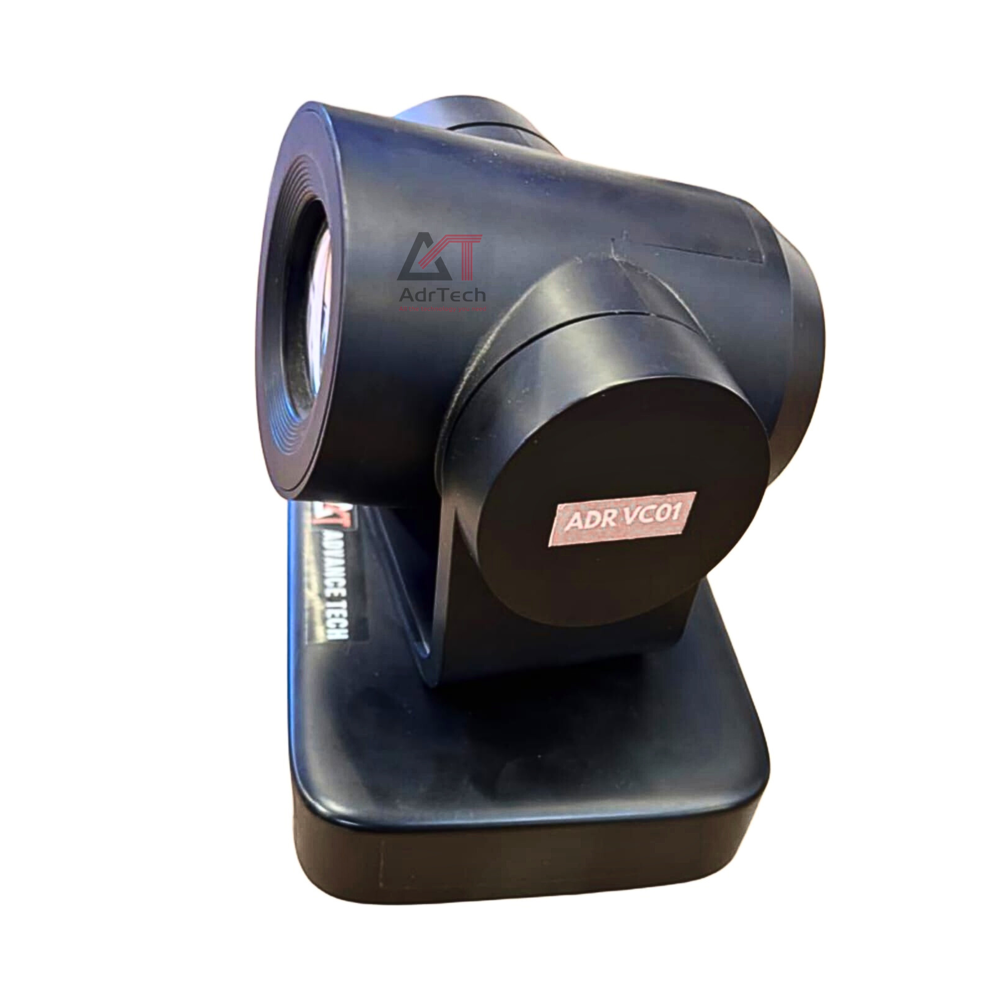
USB Conference Camera 4K USB Video Conferencing Camera | Advance Tech
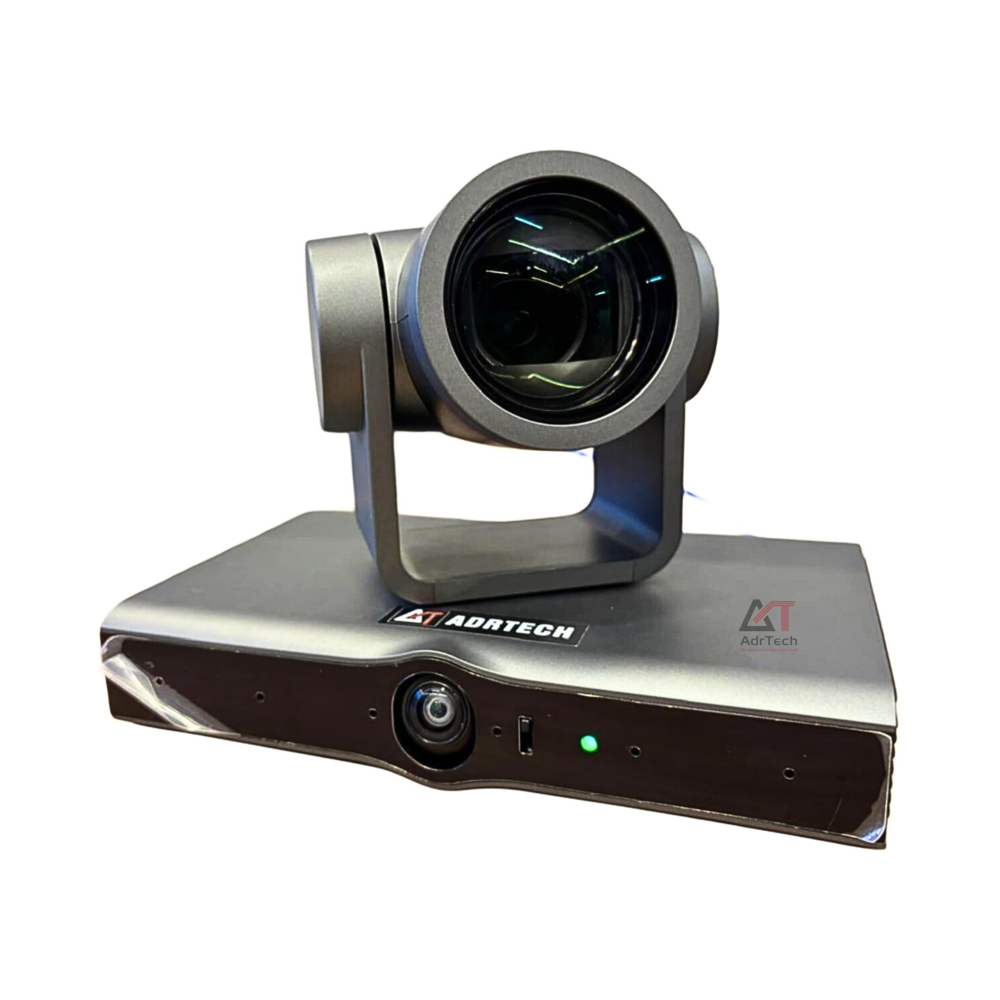
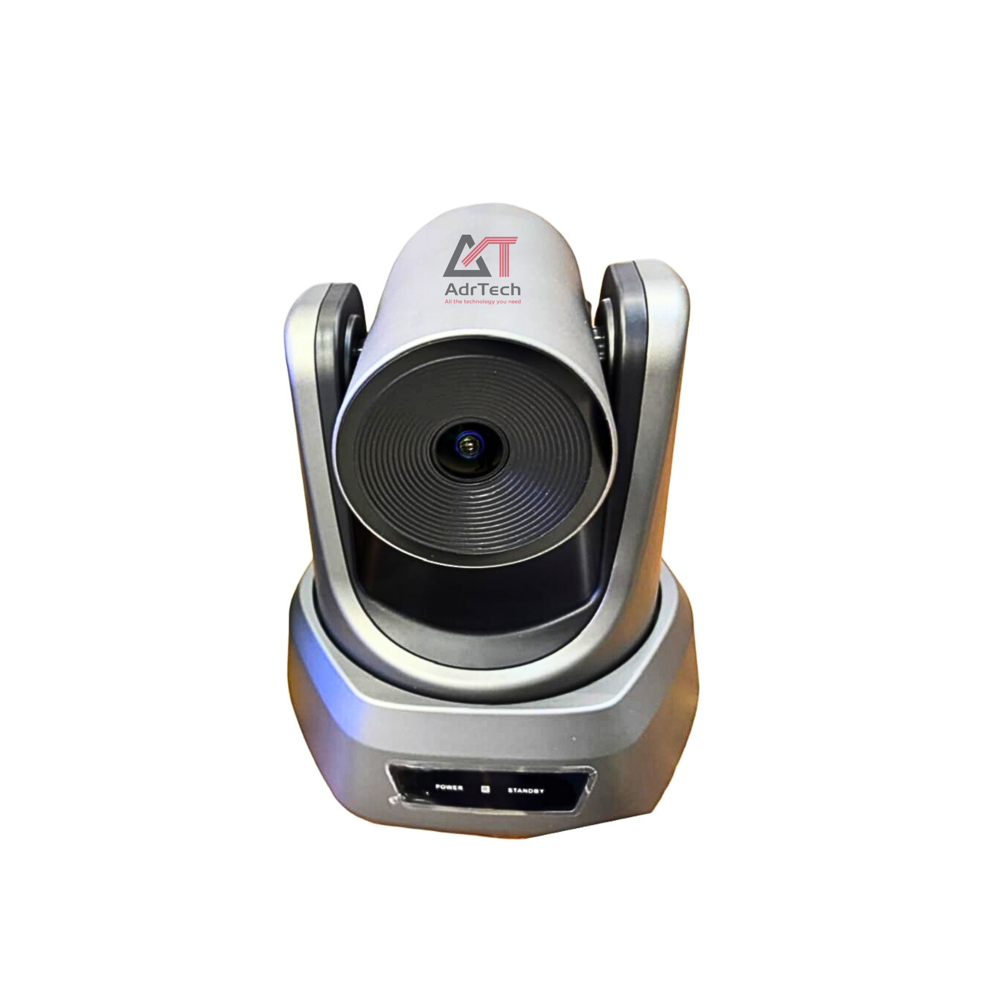
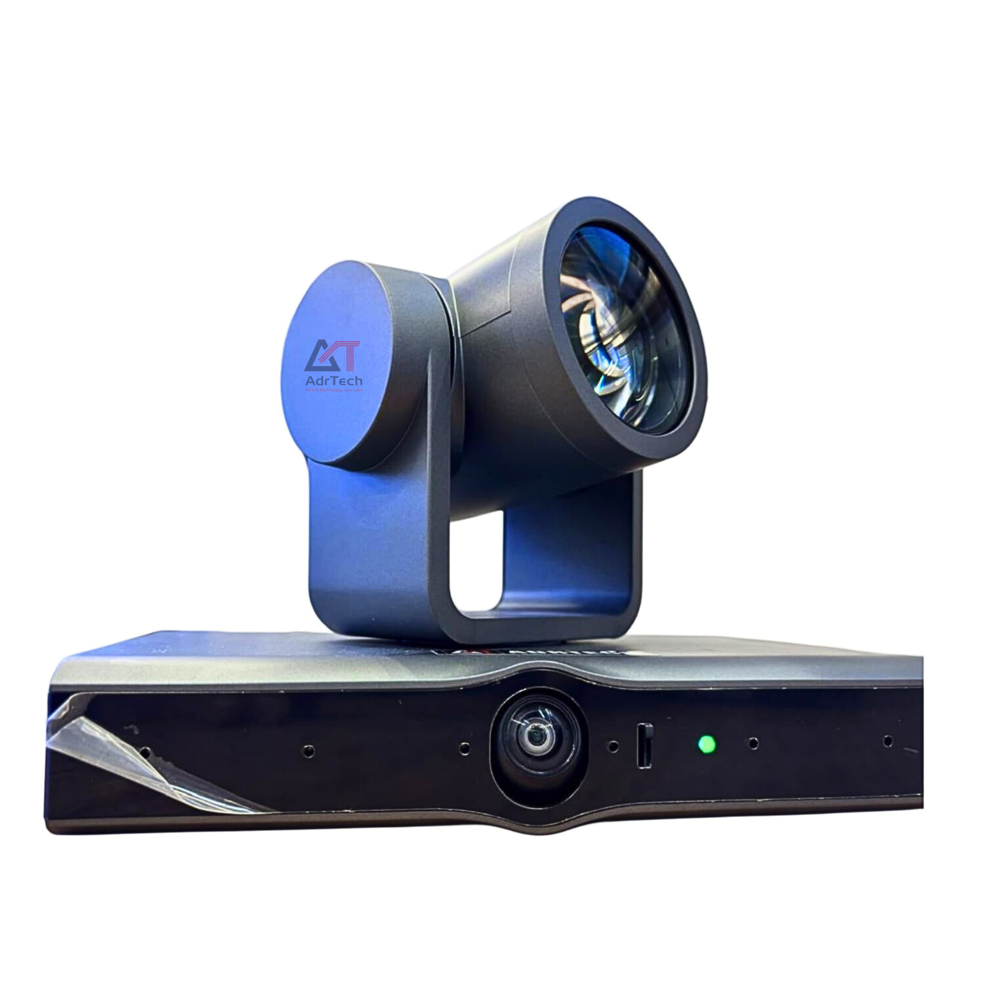
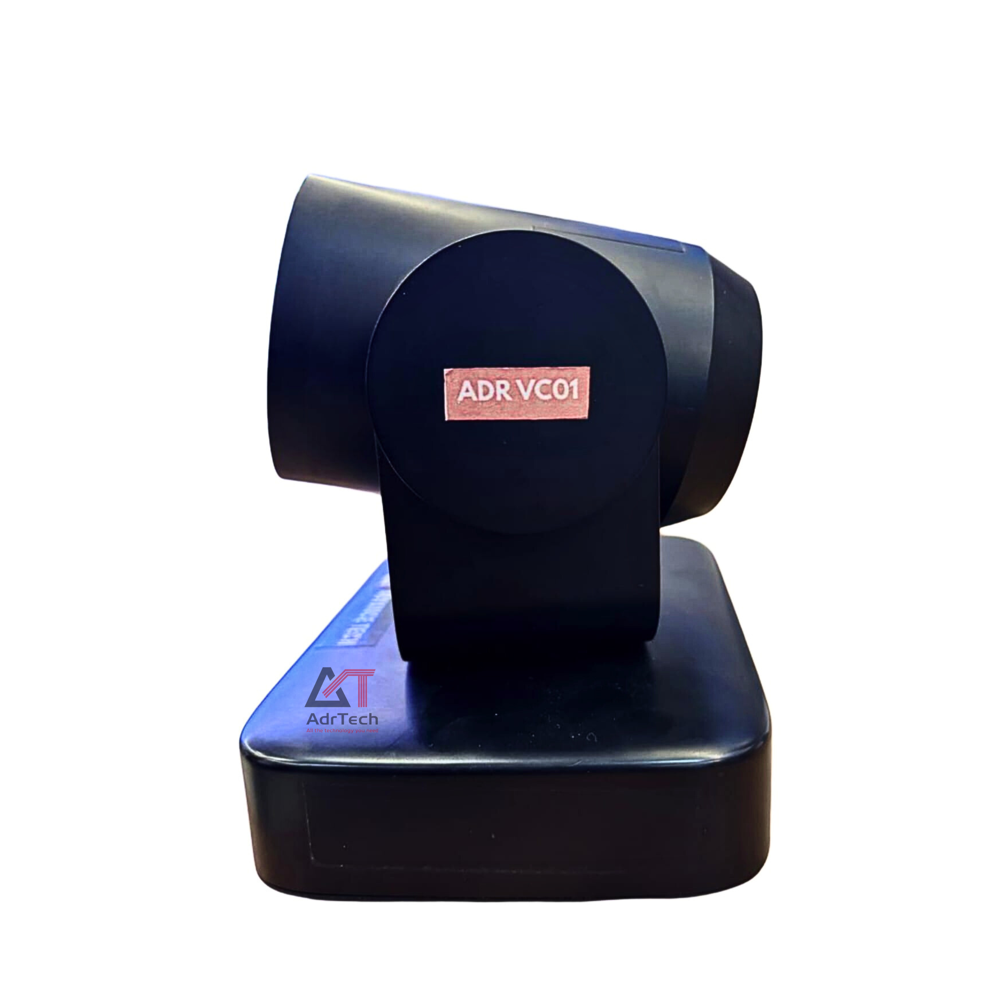
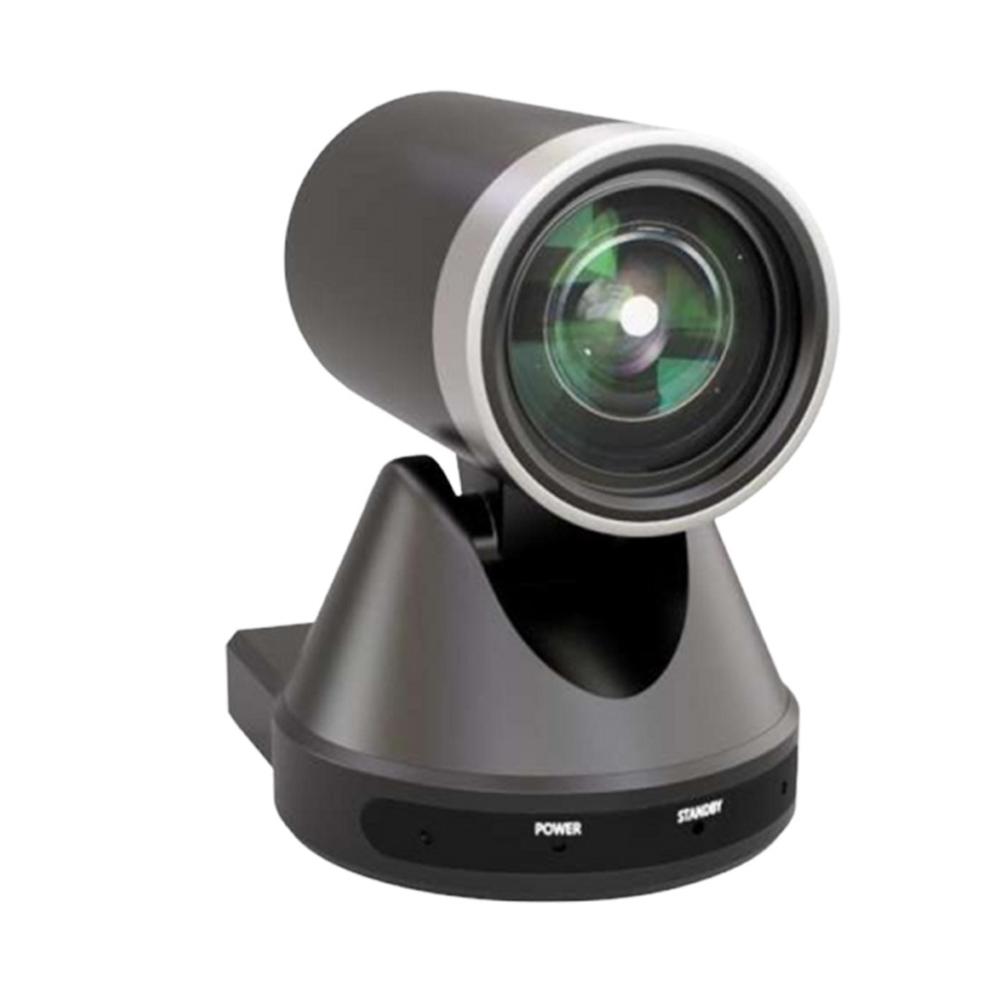
The USB Conference Camera is a professional 4K Video Conferencing Camera designed to provide crystal-clear video communication for conference rooms, meeting rooms, boardrooms, classrooms, training centers, and hybrid workspaces. Featuring USB Plug-and-Play connectivity, this Video Conference Camera offers quick installation without the need for complex software or additional drivers, making it an ideal solution for businesses, educational institutions, and government organizations.
Equipped with an Ultra HD 4K image sensor, this USB Video Conferencing Camera delivers outstanding image quality with sharp details, vibrant colors, and excellent low-light performance. Its AI Auto Framing technology automatically detects meeting participants and adjusts the camera view to keep everyone perfectly in frame, while intelligent image optimization ensures professional-quality video throughout every meeting.
The Conference Room Camera is fully compatible with Zoom, Microsoft Teams, Google Meet, Cisco Webex, Skype, and other popular video conferencing platforms, enabling seamless collaboration for business meetings, webinars, online training, virtual classrooms, interviews, and remote team communication.
Designed with a wide-angle lens, this Meeting Room Camera provides complete room coverage for small huddle spaces, medium conference rooms, executive boardrooms, and collaborative work environments. Advanced autofocus, digital zoom, and high-definition video streaming help deliver a smooth and immersive conferencing experience for both in-person and remote participants.
Whether used in corporate offices, educational institutions, healthcare facilities, government departments, or enterprise collaboration spaces, the Professional USB Conference Camera offers reliable performance, simple connectivity, and exceptional video quality. Its compact and modern design integrates easily with existing AV systems, making it the perfect choice for organizations seeking an efficient and cost-effective video conferencing solution.
Key Features
- Ultra HD 4K Video Resolution
- USB Plug-and-Play Connectivity
- AI Auto Framing Technology
- Wide-Angle Lens for Full Room Coverage
- Advanced Autofocus & Digital Zoom
- Superior Low-Light Performance
- Crystal-Clear Image Processing
- Easy Installation Without Additional Drivers
- Compatible with Zoom, Microsoft Teams, Google Meet, Cisco Webex & Skype
- Professional Design with Low Maintenance
Applications
- Conference Rooms
- Meeting Rooms
- Boardrooms
- Corporate Offices
- Huddle Rooms
- Smart Classrooms
- Universities & Colleges
- Training Centers
- Government Offices
- Healthcare & Telemedicine
- Webinar Studios
- Hybrid Workspaces
Effortless Video ConferencingExperience seamless virtual meetings with the USB Conference Camera's plug-and-play functionality. Compatible with Windows, macOS, and Linux systems, this camera ensures that your setup is simple and quick, allowing you to focus on your communication rather than technology issues.
Versatile Mounting and ControlEasily mount your camera wherever it's needed-on a desk, tripod, or wall. The PTZ features let you pan, tilt, and zoom smoothly, ensuring optimal coverage in various meeting spaces. Each adjustment is designed for accuracy, covering all participants efficiently.
FAQ's of USB Conference Camera:
Q: How do I install and set up the USB Conference Camera on my computer?
A: Simply connect the camera to your computer using the USB cable. The device is compatible with Windows, macOS, and Linux, and most systems will recognize the camera automatically without the need for additional drivers.
Q: What is the benefit of having both optical and digital zoom on this conference camera?
A: Optical zoom provides high-quality, lossless close-ups by physically adjusting the lens, while digital zoom can further enlarge the image. This combination offers flexibility to focus on specific meeting participants or details without sacrificing image clarity.
Q: When should I use the pan, tilt, and zoom (PTZ) features during a meeting?
A: PTZ features are ideal when you want to direct focus toward a particular speaker, shift the camera view to another part of the room, or zoom in for a detailed view, all without physically moving the camera.
Q: Where can I mount the conference camera for optimal coverage?
A: The camera supports desktop, tripod, and wall mounting, allowing placement at the best vantage point. Positioning depends on your space-tabletop for small groups, wall mount for larger rooms, or tripod for adaptable height and angle.
Q: What should I know about using the built-in microphone during video calls?
A: The integrated microphone captures clear, natural audio, eliminating the need for external microphones. It is designed to pick up voices from all directions, ensuring everyone in the room is heard clearly.
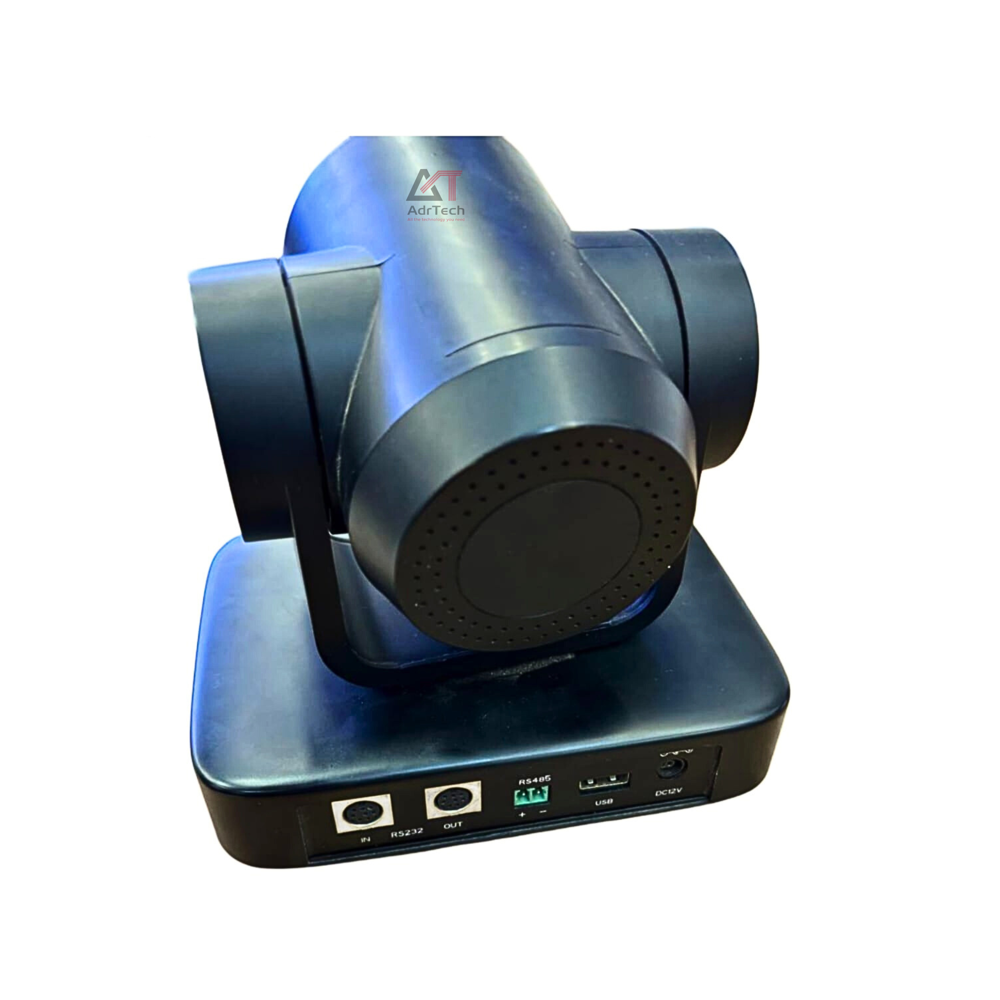
Q: How does the USB video output interface improve the user experience?
A: A USB interface enables universal connectivity and ease of use. It streamlines setup, allows quick connection to most computers, and supports high-definition video transmission for clear, smooth visuals.





 Send Inquiry


 Send Inquiry