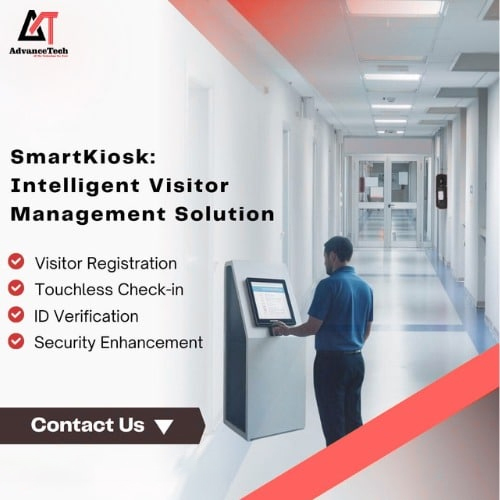
About Visitor Management Kiosk
STANDARD features
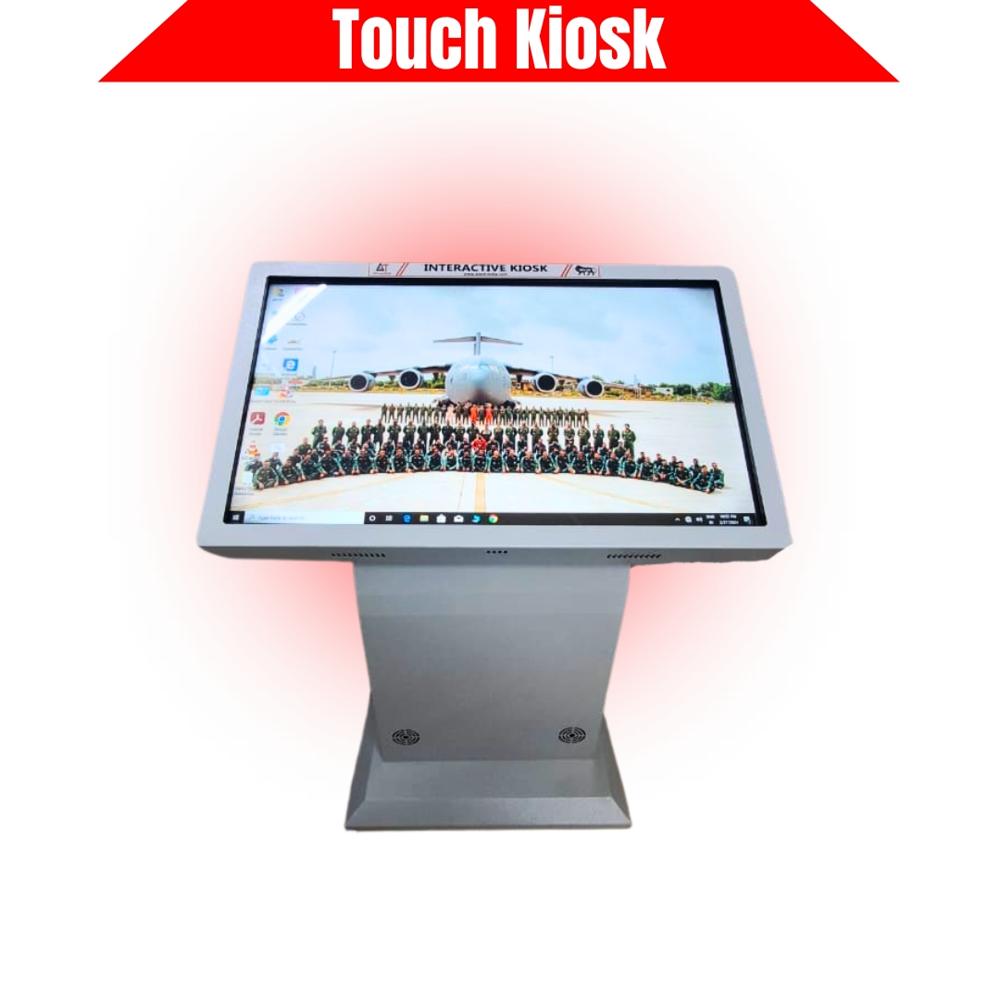
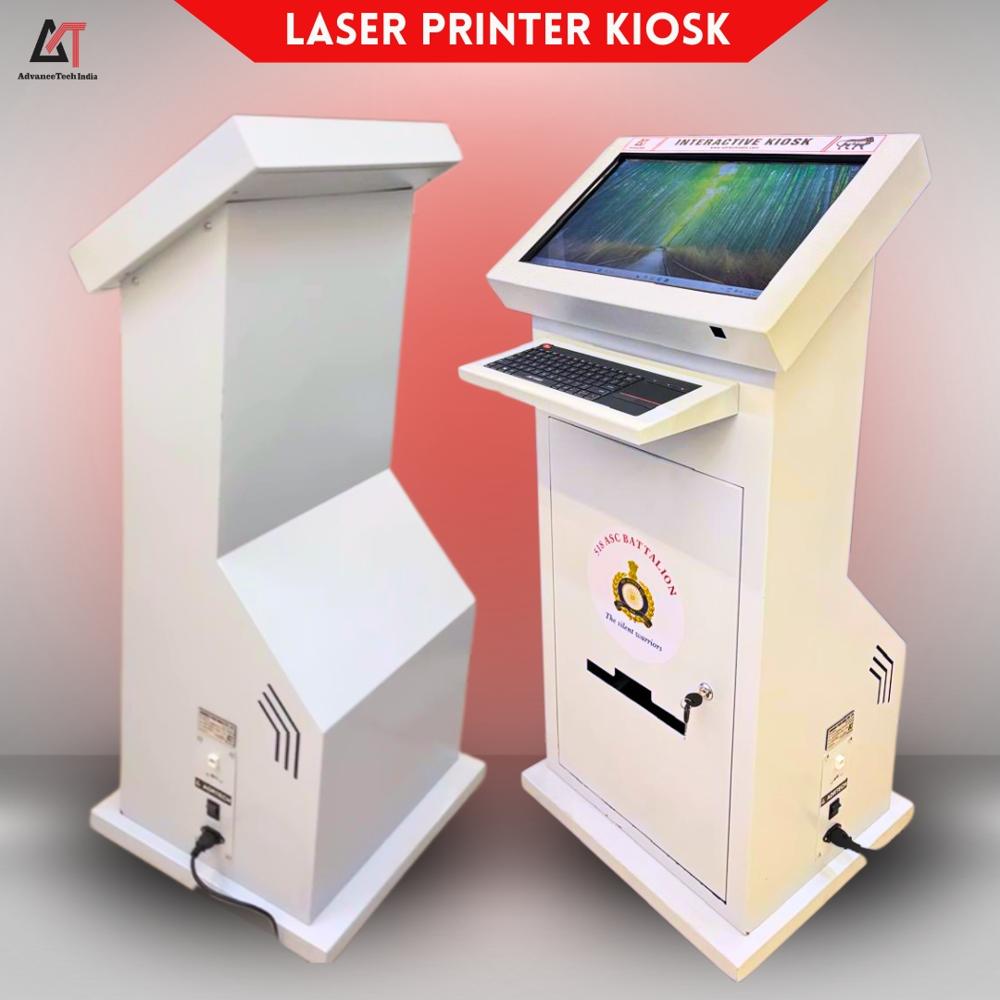
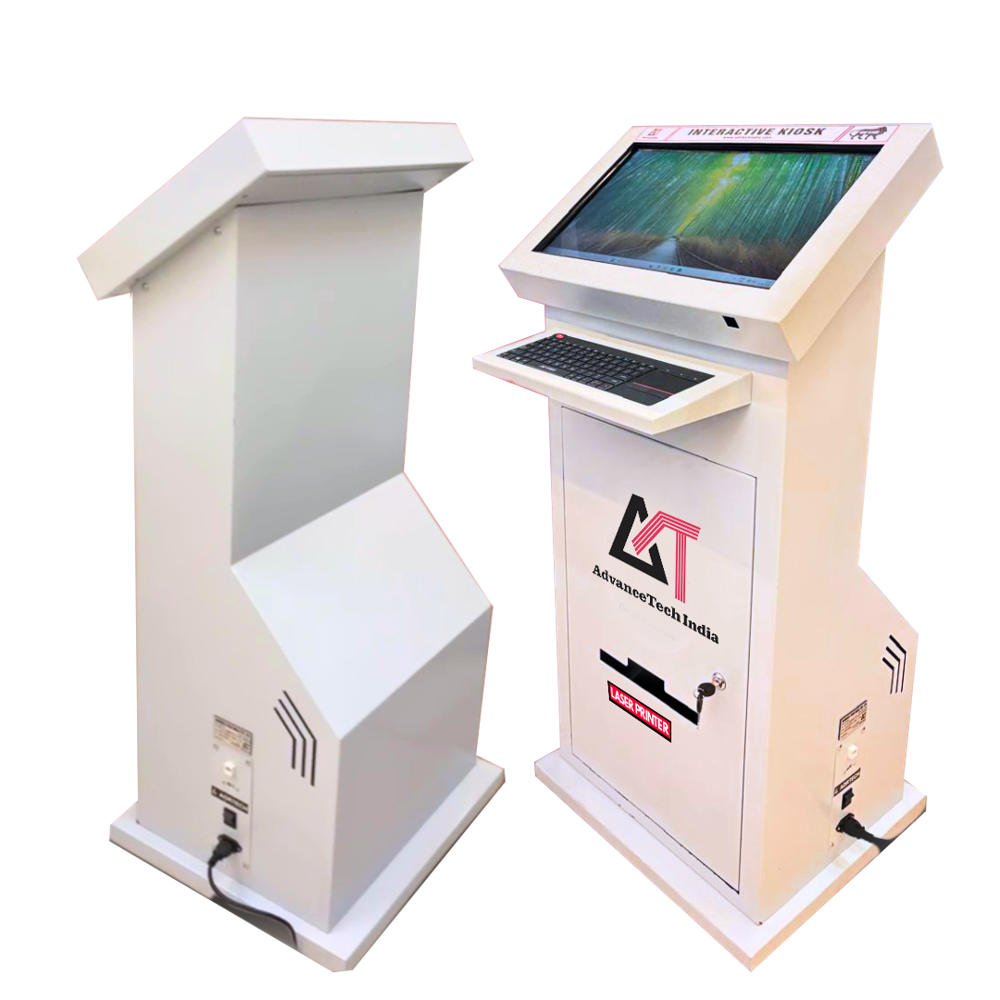
Elegant Kshaped Mild steelbased body with wheels for portability
Display sizes available 22 32 43 55 inch Diagonal size
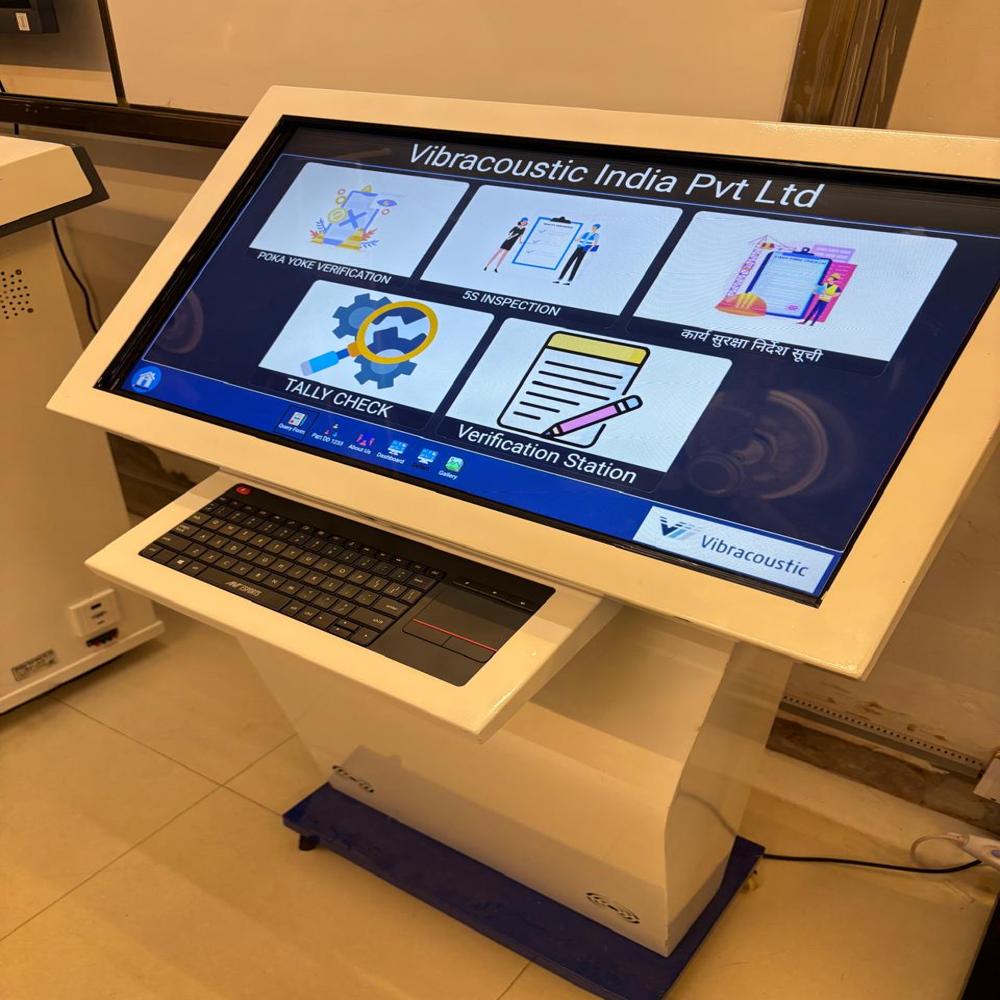
Highly supplied with touch interactive screen if non touch then keyboard mouse attached
Operating system Windows Android both available as per application and need
Connectivity ports LAN USB Power socket available
Optional additional accessories that can be provided
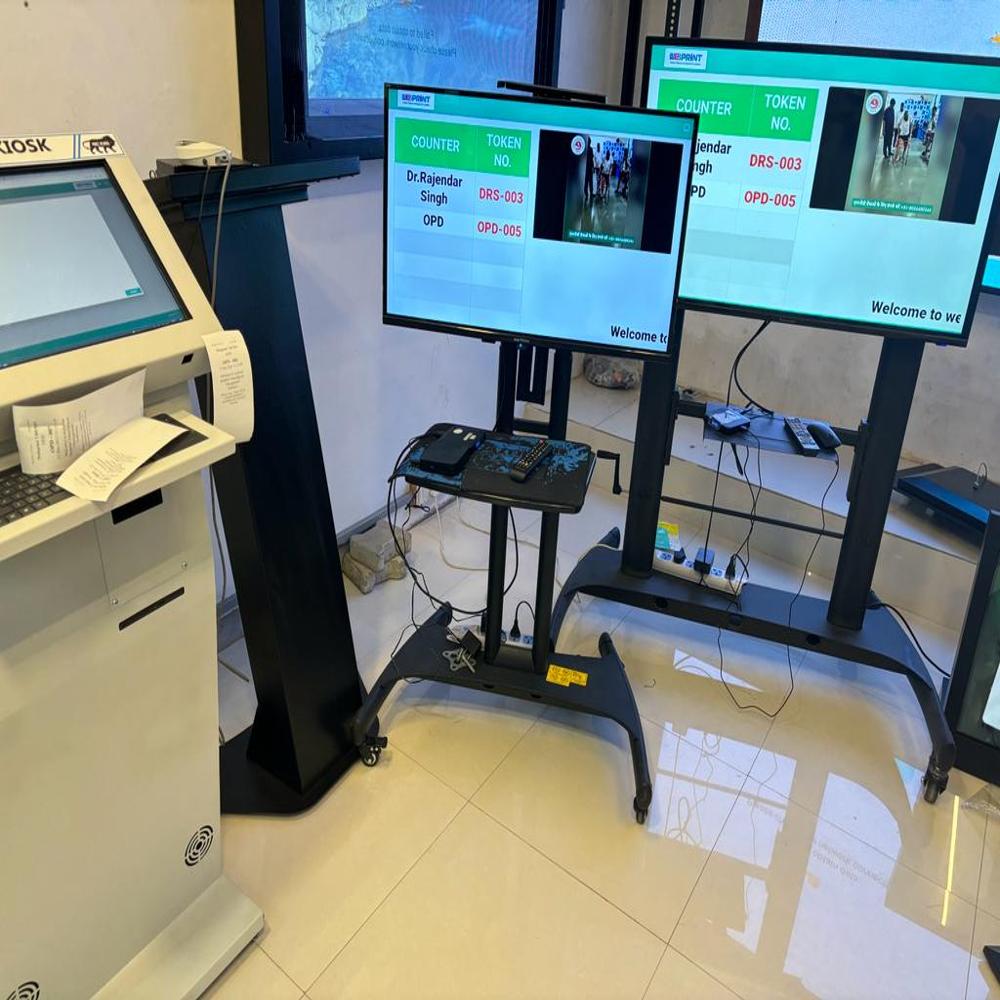
Printers for printing application Thermal small paper Laser printer A4 Size
QR Code Bar code reader sensor for any application can be provided
UPS for power backup in case of power failure
AdvancedBranded PC i5i7 configuration high 16gb ram high storage 1tb 2tb original windows required or not
Additional software Way guiding Cloud software Cyber information software Feedback software Artificial Intelligence Chat GPT Software etc
Main application areas Waiting halls Hospitals Universities Reception areas Public areas Museums Exhibition halls etc
Advanced Touchscreen TechnologyEquipped with a capacitive touchscreen, the kiosk delivers highly responsive and accurate user interactions. The high-resolution screen ensures sharp and clear display of instructions and information, making the registration process intuitive for visitors of all backgrounds.
Flexible and Aesthetic DesignAvailable in a variety of colors, the kiosk adapts to diverse interior settings. Its floor standing structure offers both portability and stability, making it suitable for placement in lobbies, receptions, and entry points without the need for wall mounting.
FAQ's of Visitor Management Kiosk:
Q: How do visitors use the touchscreen kiosk upon arrival?
A: Visitors interact with the capacitive touchscreen, following on-screen prompts to enter their details. The intuitive interface ensures that even first-time users can complete registration with ease.
Q: What are the advantages of choosing a high screen resolution kiosk?
A: A high-resolution screen provides crisp, clear visuals, which improves readability and user confidence. This enhances the overall user experience and reduces the likelihood of input errors.
Q: When is it ideal to implement this kiosk in your facility?
A: The kiosk is suitable for installation whenever you aim to streamline visitor management, enhance security, or modernize reception areas. It's beneficial during business hours, events, or peak visitor times.
Q: Where can this floor standing visitor management kiosk be best installed?
A: Ideal locations include entry lobbies, reception desks, hospitals, educational institutes, office buildings, and public venues-essentially any area where managing external foot traffic is necessary.
Q: What is the process for setting up and operating the kiosk?
A: The supplier provides installation and setup services across India. Once installed, the kiosk requires minimal training to operate, as the user interface is designed for quick, simple registration processes.
Q: How does this kiosk benefit organizations or facilities?
A: Organizations benefit from enhanced visitor tracking, improved security, reduced manual entry errors, and an overall streamlined check-in workflow. The professional appearance also reflects positively on the brand.







 Send Inquiry


 Send Inquiry